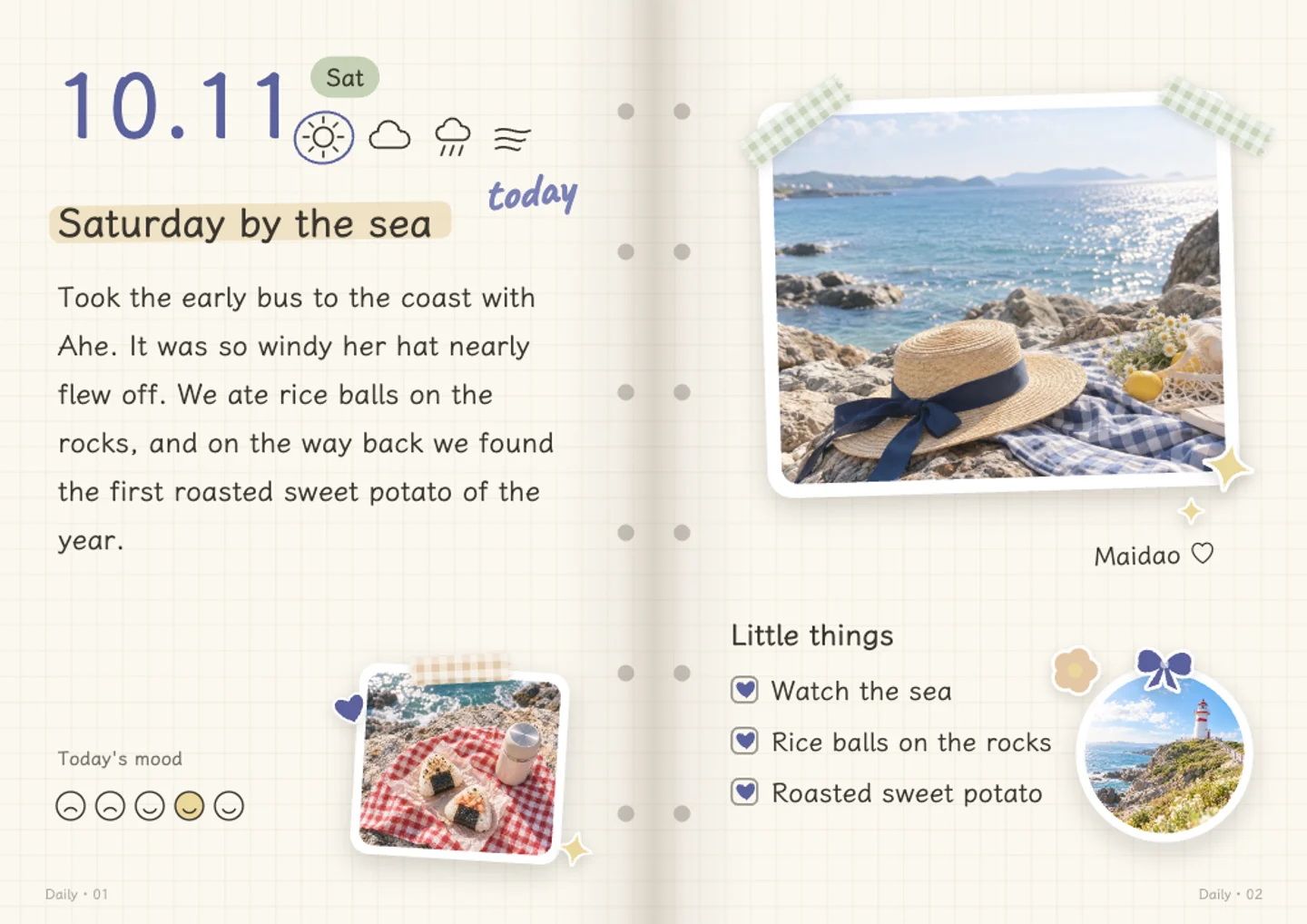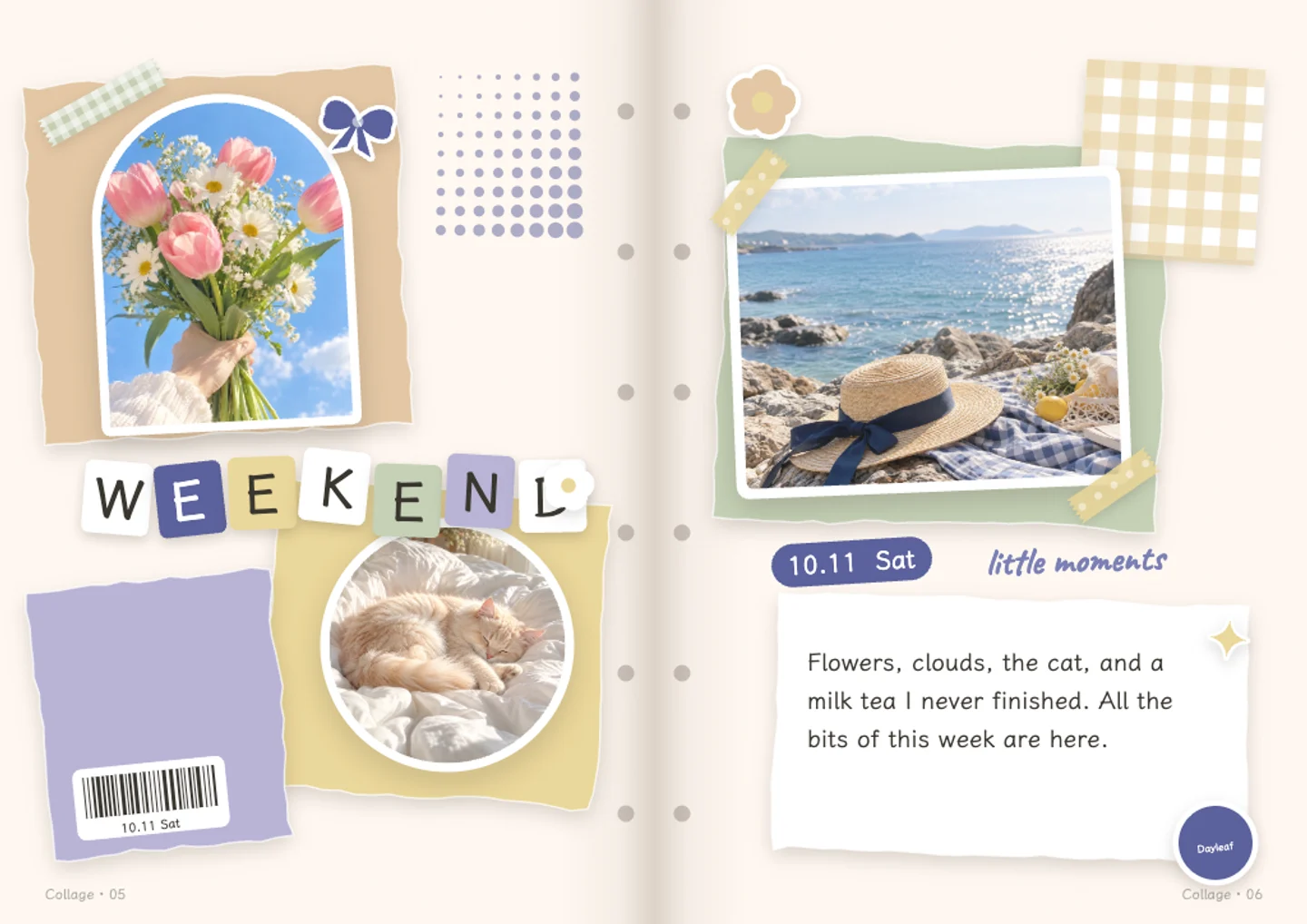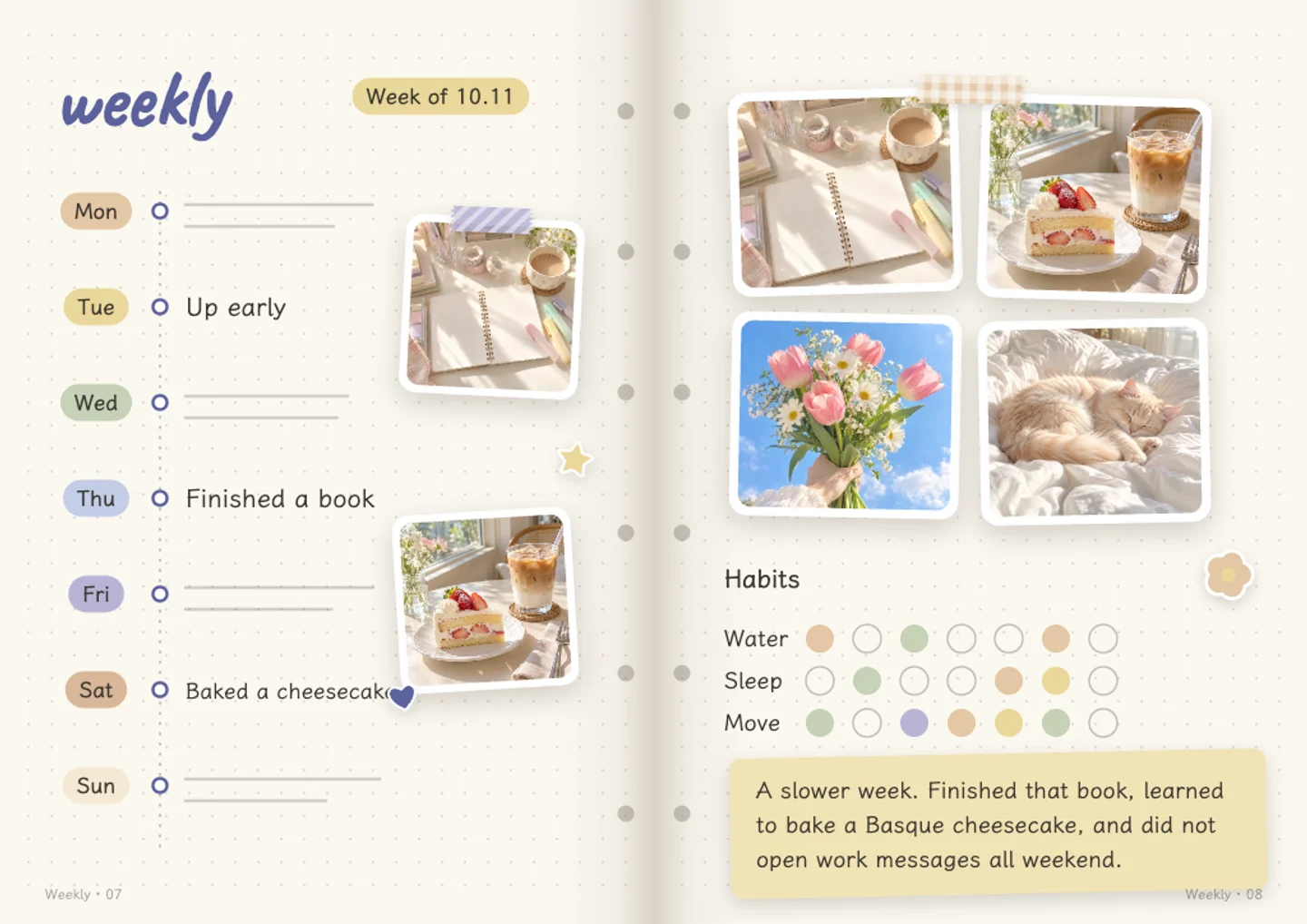

Trips & weekends · 2 photo frames
Travel journal
Keep the place, the photos and the story together.
Use this layoutYour photos & words · Free manual editing · Save with an account
A starting point, all yours
Make room for your memories.
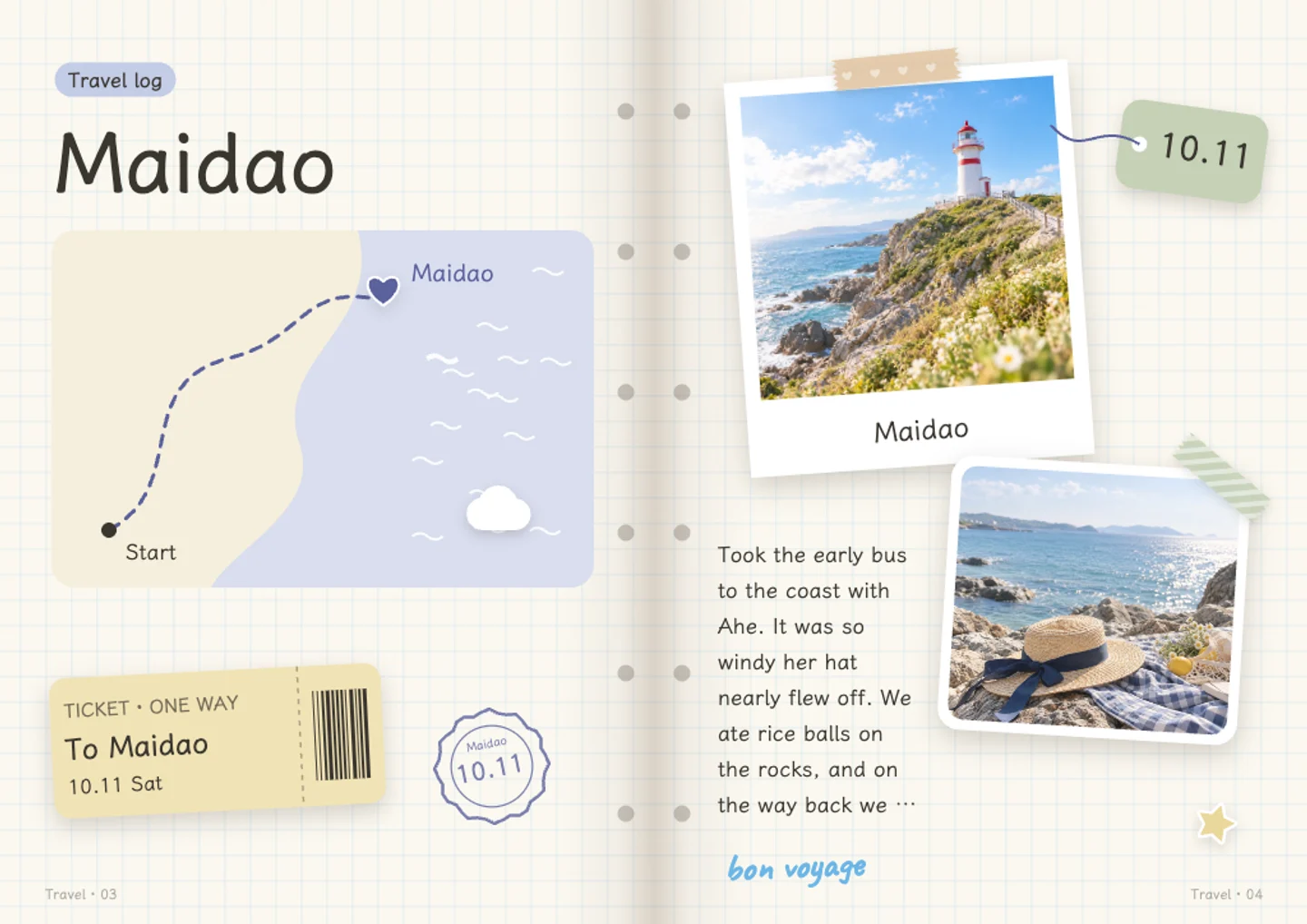
A travel spread with two photo frames, a place label and a date. Add a few lines about the trip and make another page for the next stop.
Choose your photos, add your own words and change the date, ink or page details. The example is a finished sample made with Dayleaf’s actual page renderer; your new journal starts with your own content.
See how a photo journal works- Start for free
- Writing, adding photos, changing layouts, saving and sharing are free. The free plan includes 20 AI credits a month. AI requests use credits.
- Save with an account
- Log in to keep your journal and export its pages. Your browser draft comes with you when you log in on the same device.
- Choose what you send
- Photos stay in your browser during the homepage trial. Saving uploads them to your account. AI receives small copies only when you choose to let it look at your photos.
- Keep the result
- Export page images or a short self-playing video. Pop-up and moving parts become flat in exports; the interactive effects stay in the journal viewer.