An online photo journal maker
A few photos.A day worth keeping.
The coffee, the cat, a good thing someone said. Give everyday photos a place beside your words, in a journal that feels like yours.
Free to write & arrange · AI uses credits · Save with an account
A little inspiration
Keep a day, a week, a favourite person
There is no perfect way to keep a journal. Pick a page, add what you remember and leave the rest for tomorrow.
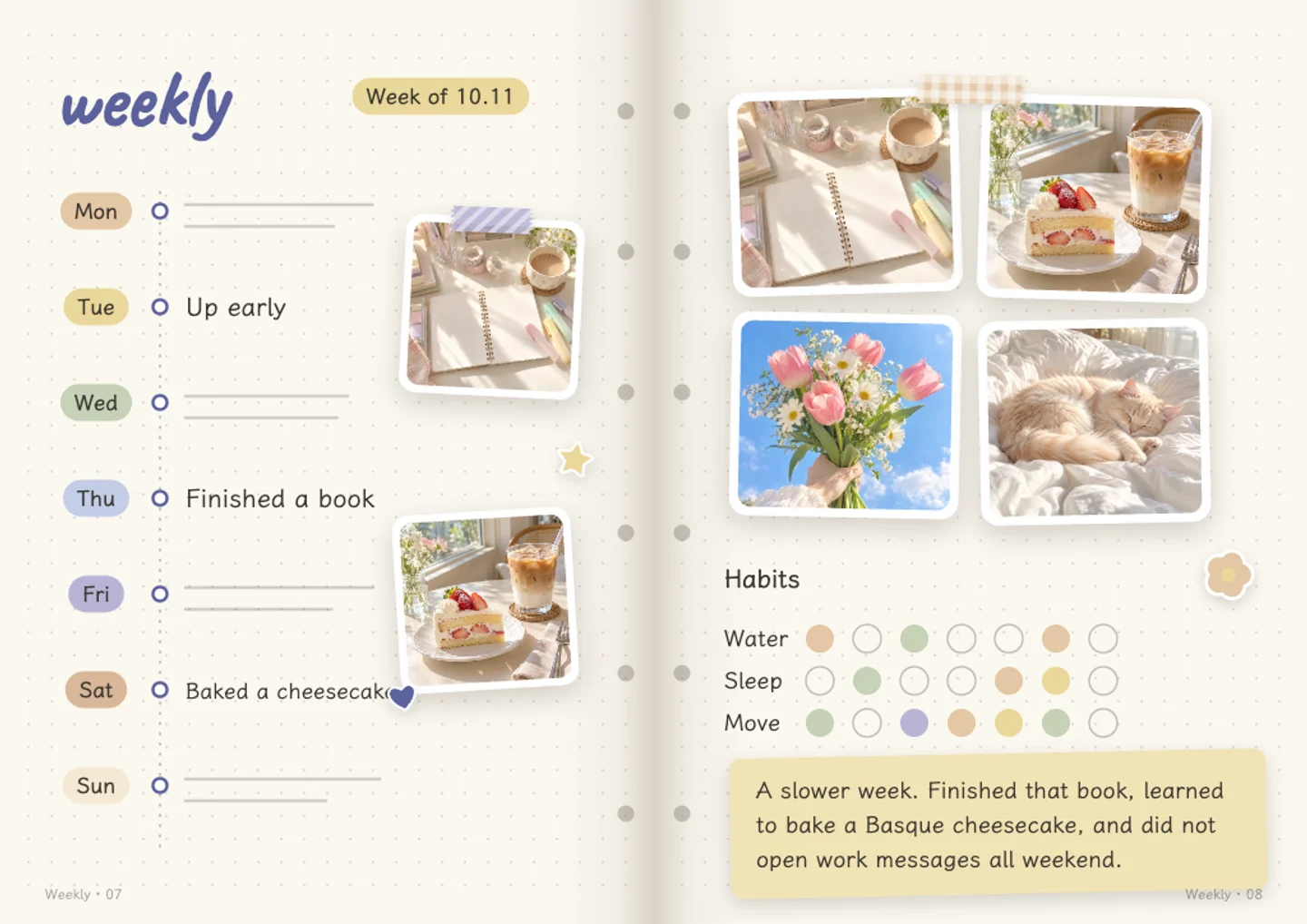
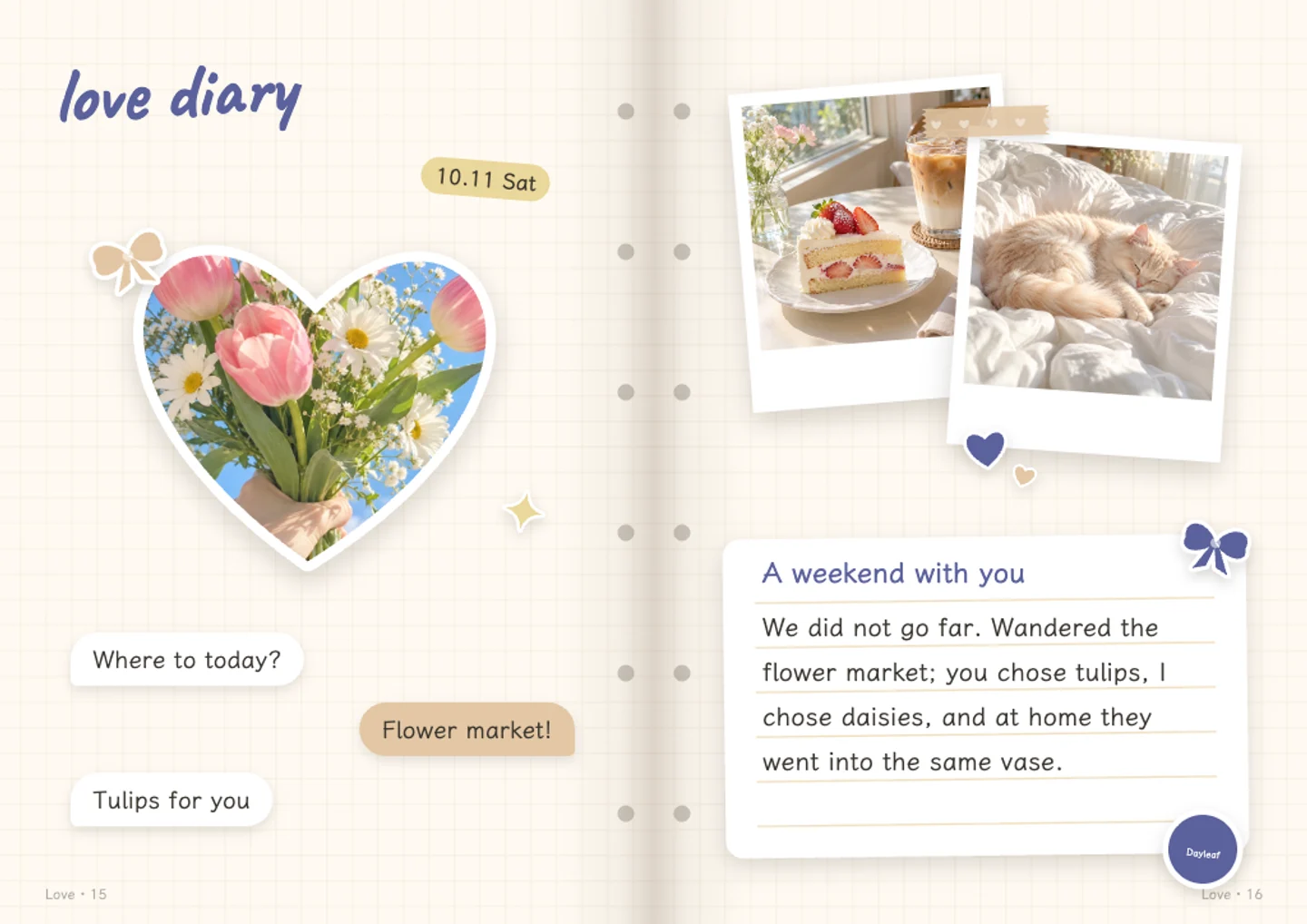
From camera roll to keepsake
A few simple steps.
Pick a moment
Choose a few everyday photos. One page is enough to start.
Put it into words
Add a date and a short note. Write it yourself, or ask AI for an editable first draft.
Come back to it
Save your page to your account. Add another when you have something you want to remember.
- Start for free
- Writing, adding photos, changing layouts, saving and sharing are free. The free plan includes 20 AI credits a month. AI requests use credits.
- Save with an account
- Log in to keep your journal and export its pages. Your browser draft comes with you when you log in on the same device.
- Choose what you send
- Photos stay in your browser during the homepage trial. Saving uploads them to your account. AI receives small copies only when you choose to let it look at your photos.
- Keep the result
- Export page images or a short self-playing video. Pop-up and moving parts become flat in exports; the interactive effects stay in the journal viewer.
You might be wondering.
- What is a photo journal?
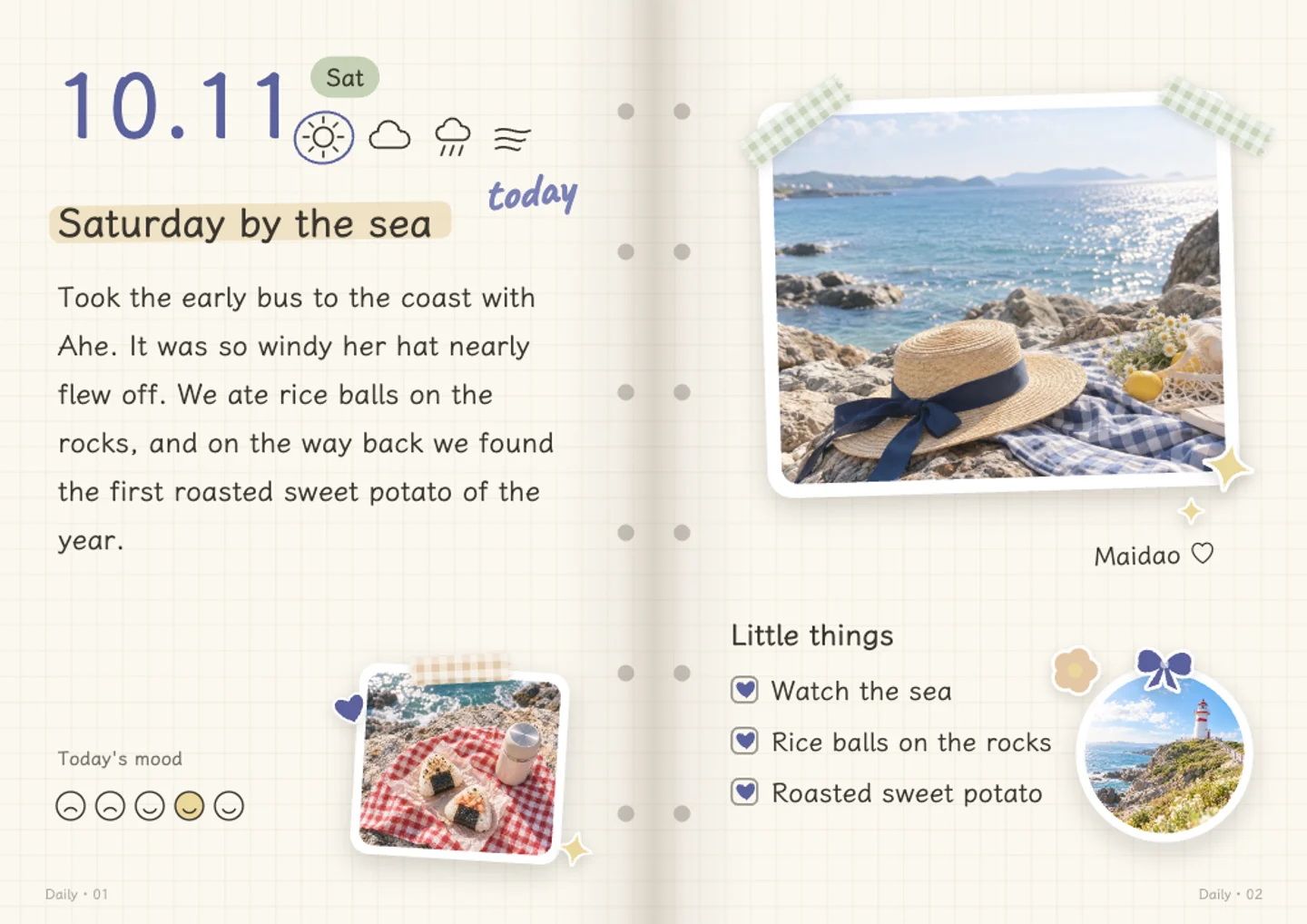
- A photo journal keeps pictures and written memories together. In Dayleaf you make editable spreads with photo frames, dates, notes and stickers, and keep them as a journal in your account.
- Do I have to write every day?
- No. Make a page when there is something you want to keep. Daily layouts work for a single moment; a weekly layout can gather several days in one spread.
- Can I replace photos and change the writing?
- Yes. Replace photos, edit words and choose a different layout to change the photo arrangement. Stickers can be moved, resized and turned.
it starts with a little memory.