
Digital travel journal maker
Bring the trip home.One page at a time.
The first train, a tiny café, that afternoon by the sea. Put your travel photos and little notes into a journal that keeps more than the view.
Free to write & arrange · AI uses credits · Save with an account
A little inspiration
A place for the whole trip
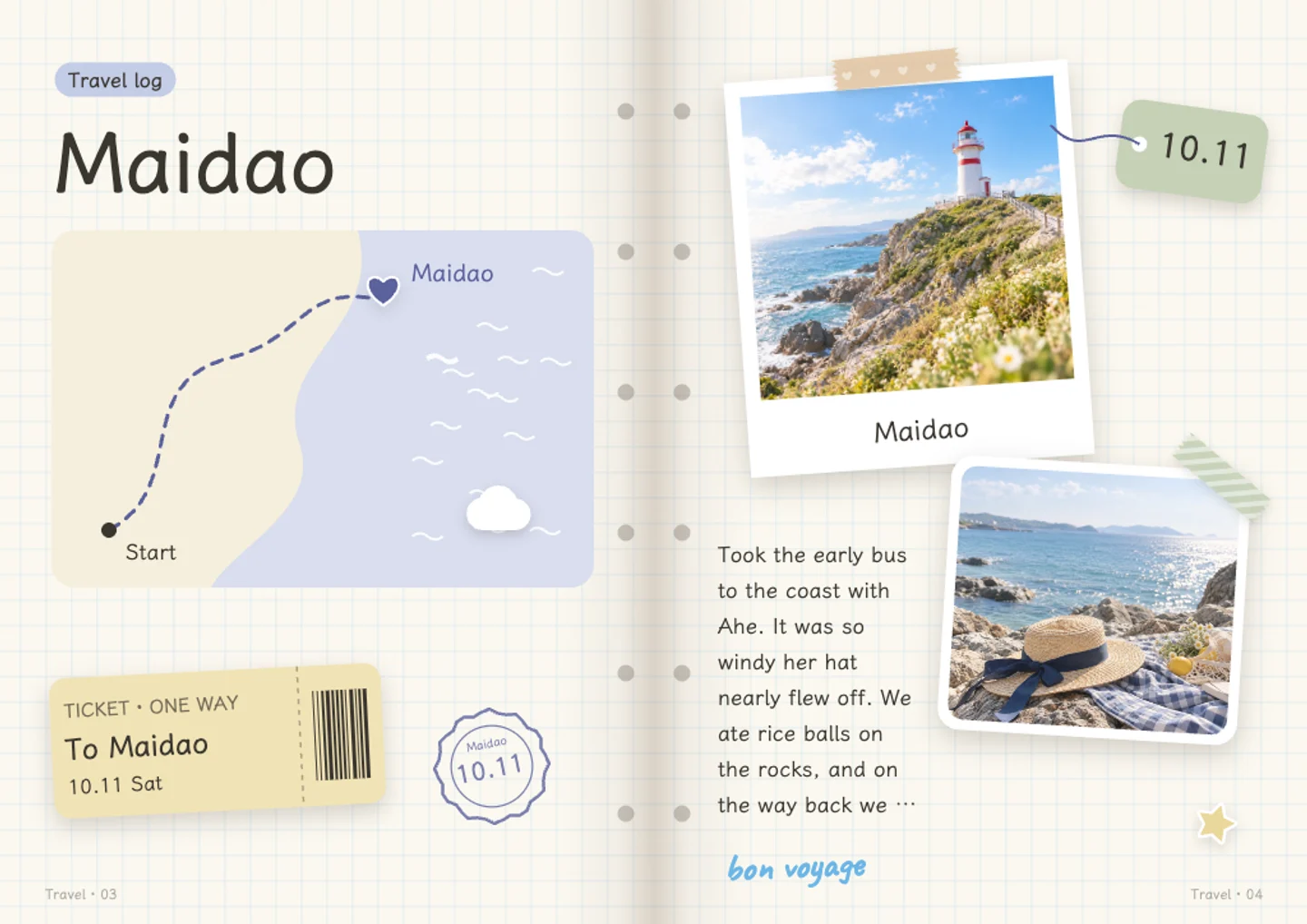
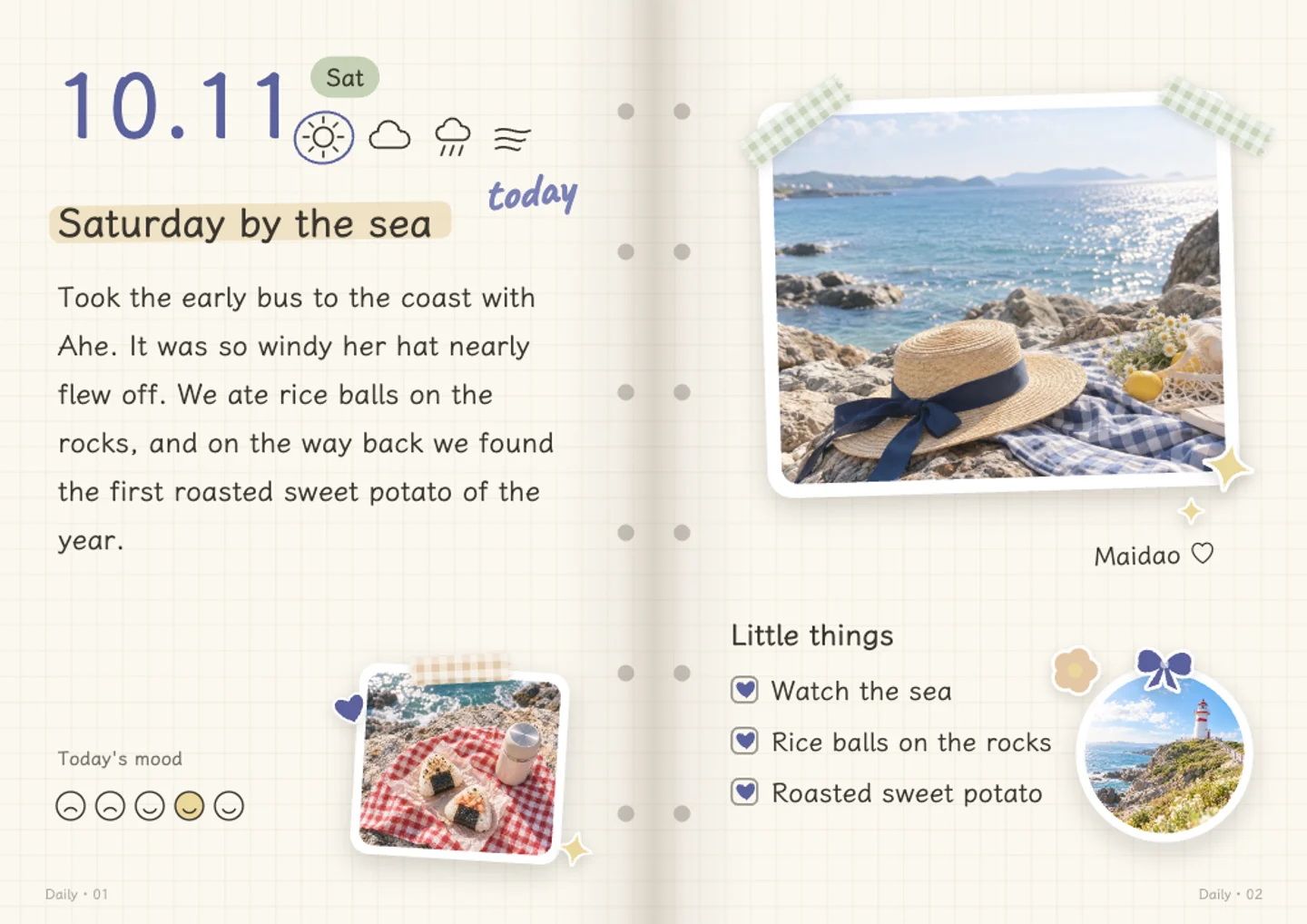
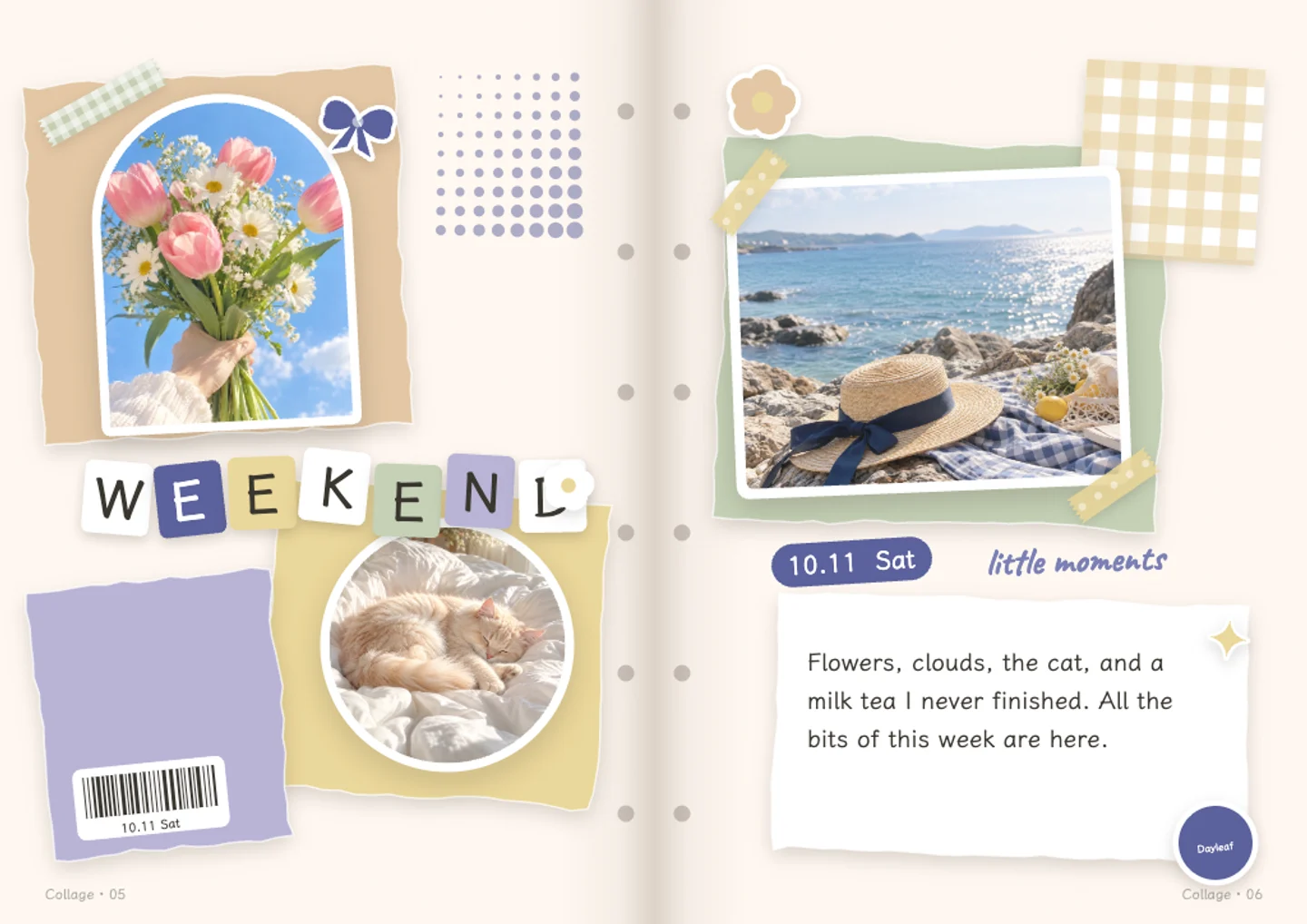
Use a travel spread for the journey, a daily page for a moment and a collage for the photos you cannot choose between.
From camera roll to keepsake
A few simple steps.
Choose the photos
Start with a couple of pictures for one stop, or add a batch in the editor for a longer journal.
Add the little details
Write the place, the date and what happened. Choose your own layouts or ask AI to help with the words.
Keep it close
Save the journal to your account, return to add another page, or export pictures to share.
- Start for free
- Writing, adding photos, changing layouts, saving and sharing are free. The free plan includes 20 AI credits a month. AI requests use credits.
- Save with an account
- Log in to keep your journal and export its pages. Your browser draft comes with you when you log in on the same device.
- Choose what you send
- Photos stay in your browser during the homepage trial. Saving uploads them to your account. AI receives small copies only when you choose to let it look at your photos.
- Keep the result
- Export page images or a short self-playing video. Pop-up and moving parts become flat in exports; the interactive effects stay in the journal viewer.
You might be wondering.
- Can I make a journal from a whole trip?
- Yes. The editor can arrange a batch of photos by the time they were taken and spread them across pages. The free plan currently accepts up to 30 photos per batch and journals of up to 15 pages. Other plans have larger limits.
- Does Dayleaf track my route?
- No. The travel layout includes decorative map artwork. You add the place name and date yourself; it is not GPS tracking or a route-planning tool.
- Can I make it after I get home?
- Yes. Bring photos from your trip and any notes you kept. You can write the story yourself, or use AI credits to help draft it and edit the result.
it starts with a little memory.