


Online AI scrapbook maker
Your memories,a little more handmade.
Turn a handful of photos and a few words into a digital scrapbook you can leaf through. Let AI help with the pages, then make every detail your own.
Free to write & arrange · AI uses credits · Save with an account
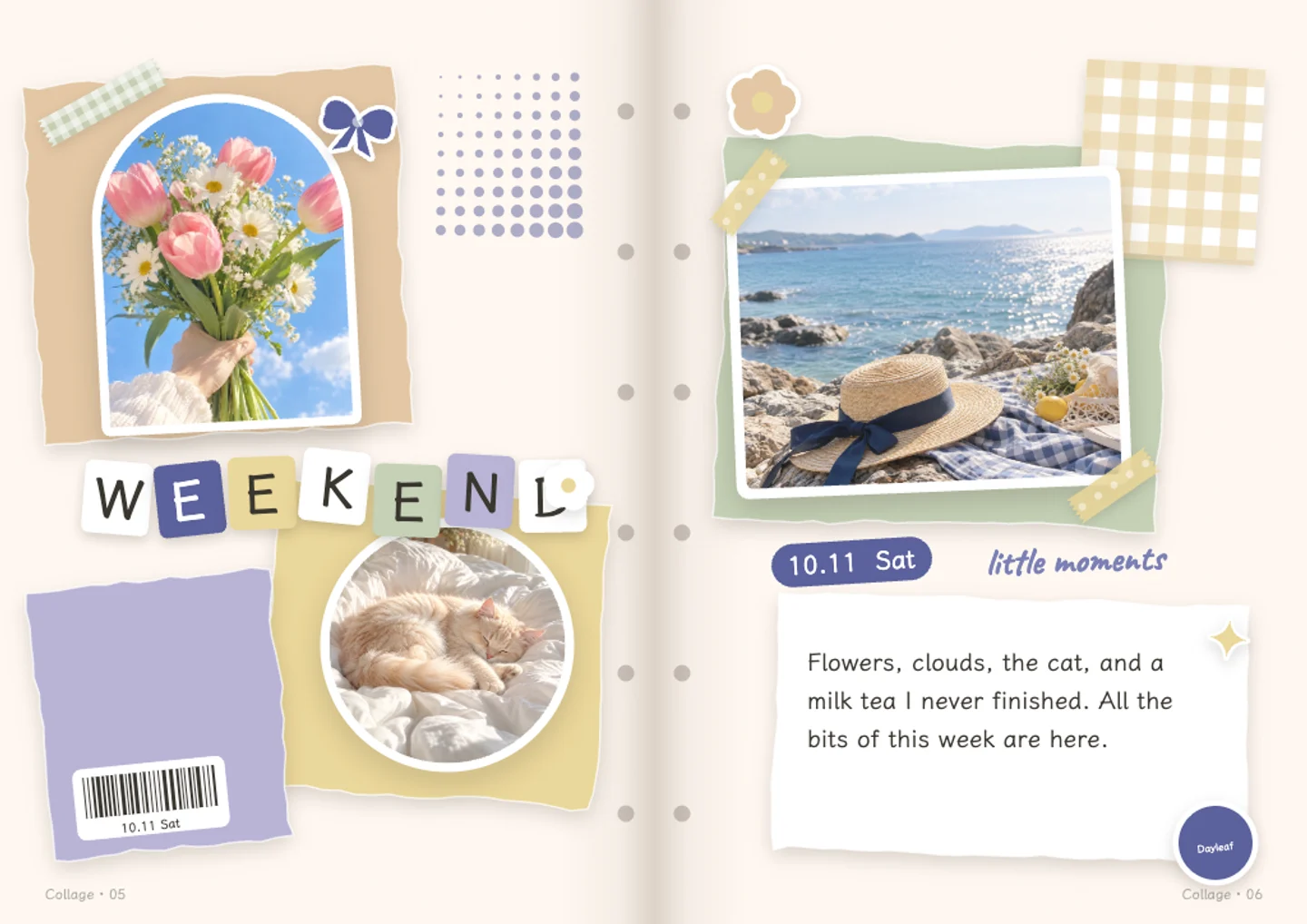
A little inspiration
A different page for every kind of memory
A weekend away, a favourite person, the flowers on your desk. Start with a layout that fits the story.
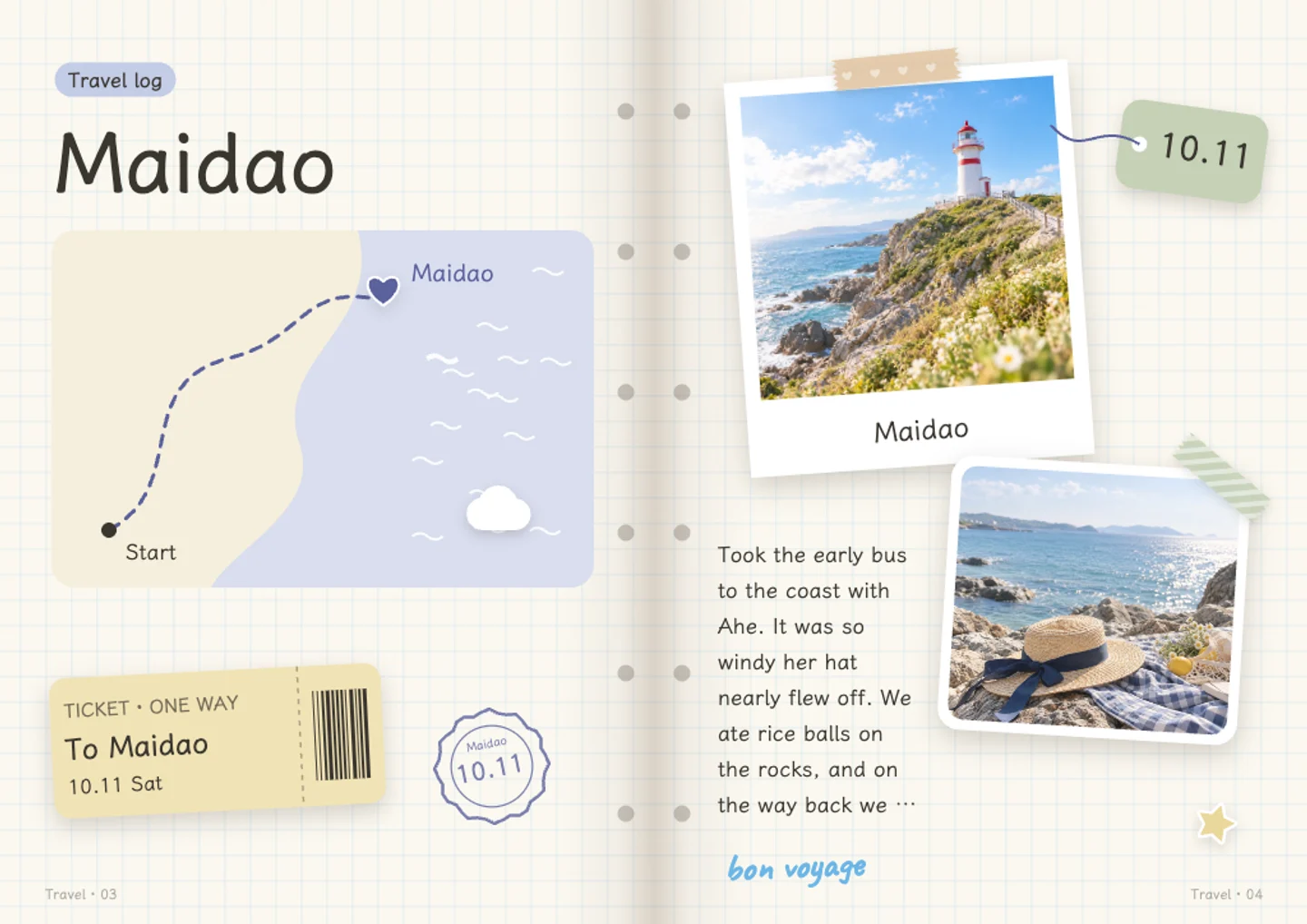
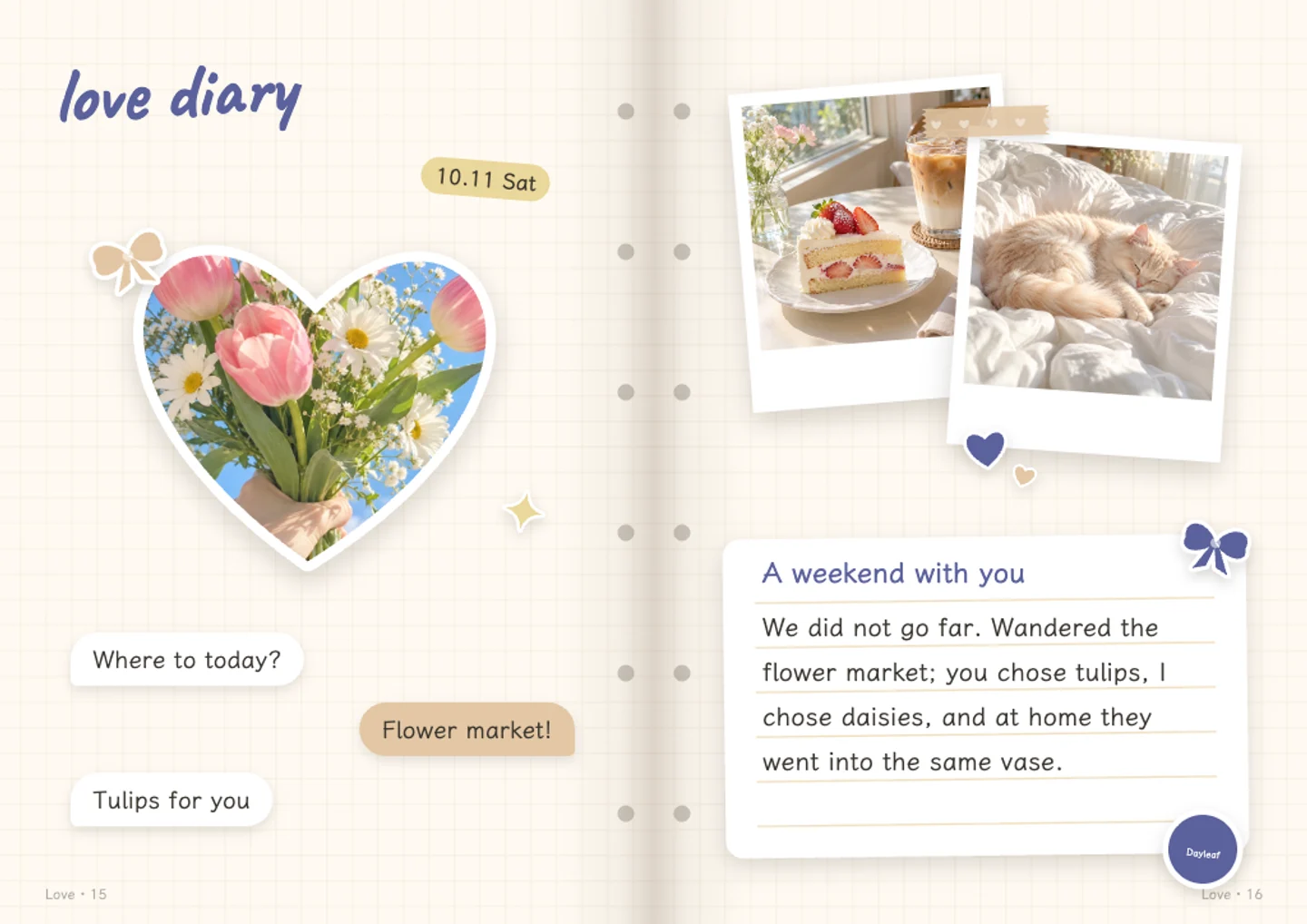
From camera roll to keepsake
A few simple steps.
Bring a few memories
Choose photos, write a little, or bring both. Pick a layout to start from.
Let the pages take shape
Arrange them yourself, or use AI credits to group photos, choose layouts and draft the words.
Make it yours
Edit the writing, replace photos and move stickers. Save the journal or export your pages as images.
- Start for free
- Writing, adding photos, changing layouts, saving and sharing are free. The free plan includes 20 AI credits a month. AI requests use credits.
- Save with an account
- Log in to keep your journal and export its pages. Your browser draft comes with you when you log in on the same device.
- Choose what you send
- Photos stay in your browser during the homepage trial. Saving uploads them to your account. AI receives small copies only when you choose to let it look at your photos.
- Keep the result
- Export page images or a short self-playing video. Pop-up and moving parts become flat in exports; the interactive effects stay in the journal viewer.
You might be wondering.
- What does the AI scrapbook maker do?
- Dayleaf can group your photos into journal pages, choose layouts and draft editable words. You can also write and arrange everything yourself. AI features use credits; manual writing and layout are free.
- Is it an image generator or a journal editor?
- It is a journal editor. Your pictures go into editable page layouts with words and stickers. AI illustrations are an optional feature for members.
- Can I make a scrapbook without AI?
- Yes. Add your photos, choose a style, write your own words and change the page yourself. You do not need to use AI credits to save or export a manually made journal.
it starts with a little memory.