
Dayleaf

AI pop-up book makerphotos into a 3D paper book

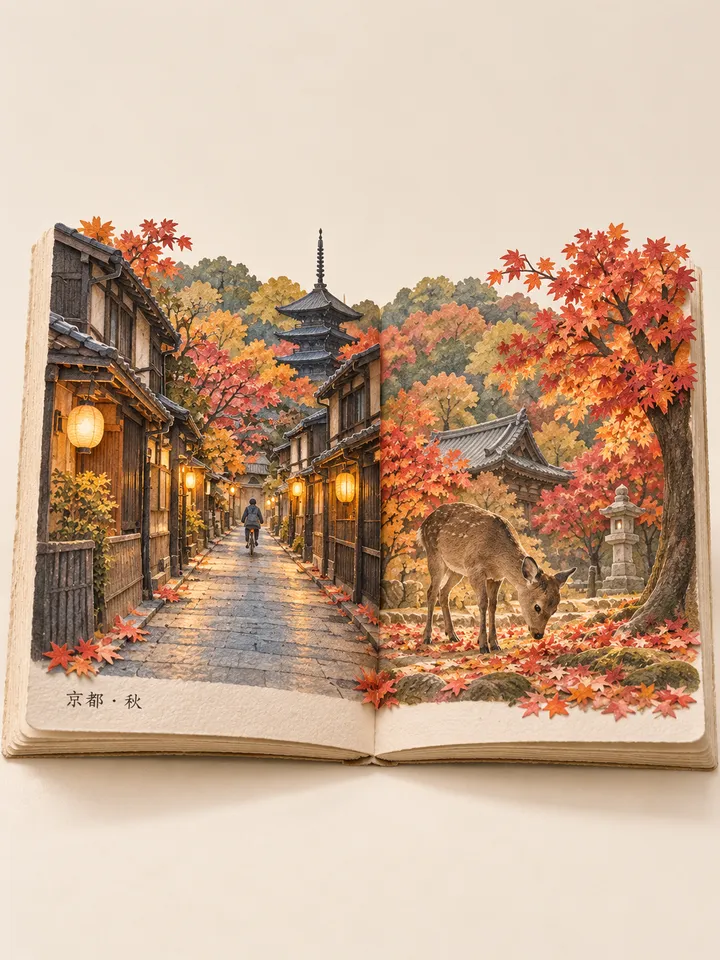
Your trip, your cat, your street, folded into a paper book that stands up when it opens.

0/4
Photos1–4

Clear landmarks and scenes with depth work best; for people and pets, pick a clear face

Place and time for each page

Add a photo first

A few words

A few photos, folded into a pop-up bookDrag to look around, scroll to come closer

Example
  • Your photos stay private unless you share them
  • 60 free credits a month, refunded if a try fails

Try an example

How it works

  1. 1

    Add photos

    One to four photos of the same memory. A clear landmark, a scene with depth, or a face you can see works best.

  2. 2

    Pick a look

    A 3D book you can open and page through, a spread for each photo; or one picture in watercolour paper, photo and book, a miniature town or a keepsake. Add a title for the cover if you like.

  3. 3

    Keep it

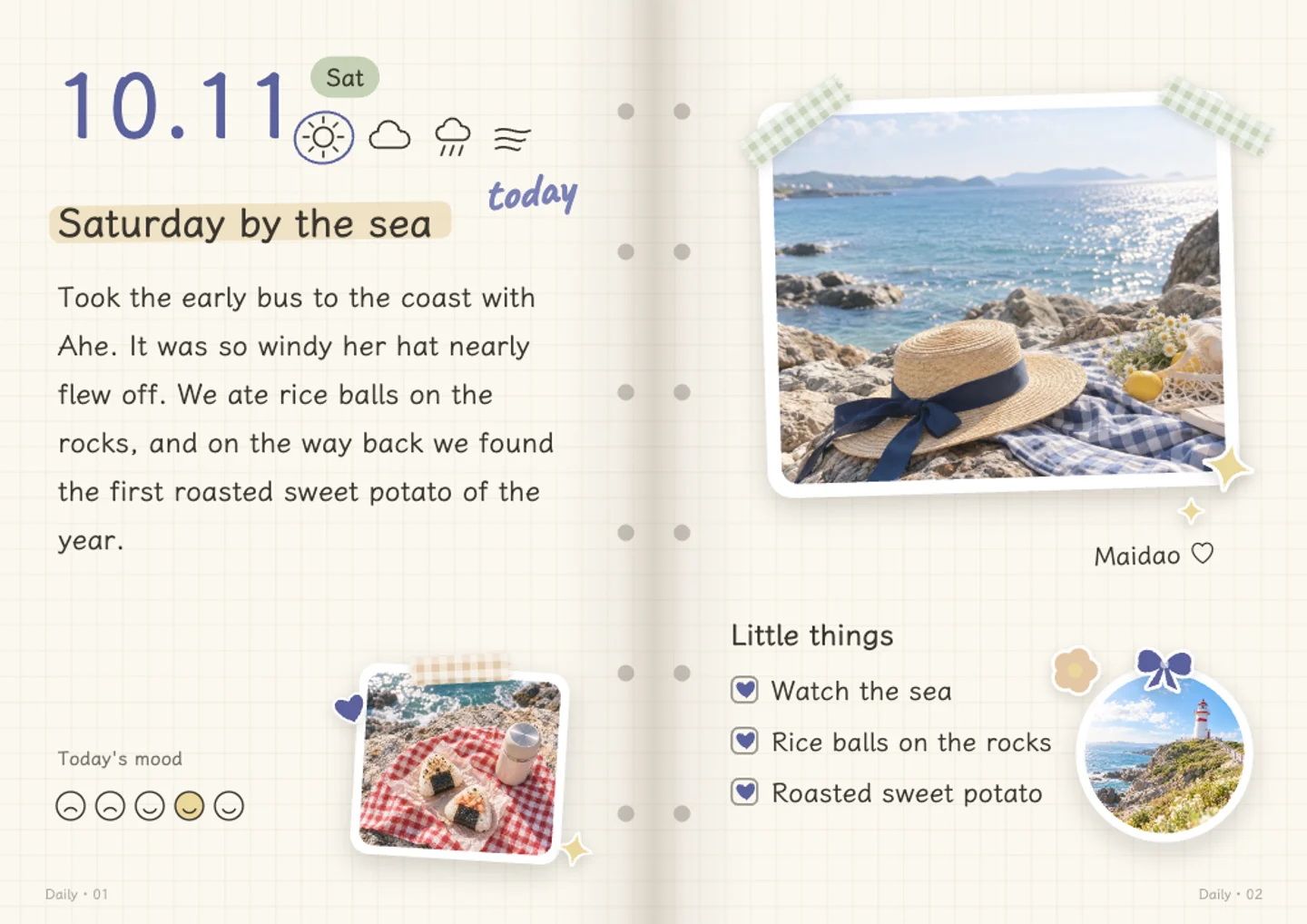
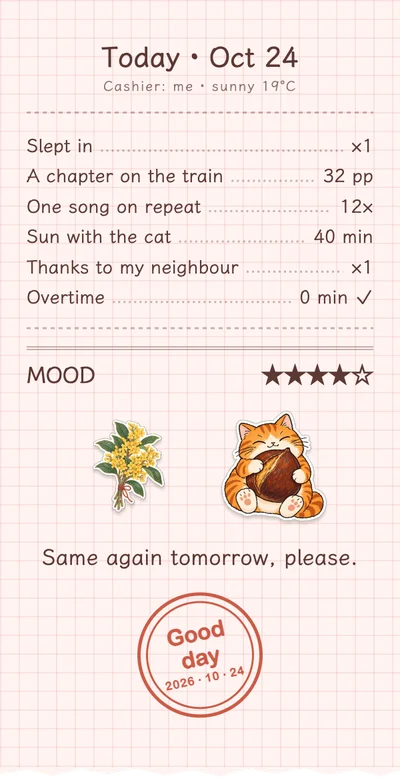
    Download the picture, or put it straight onto a page of your journal.

What people make into pop-up books

A trip in one book

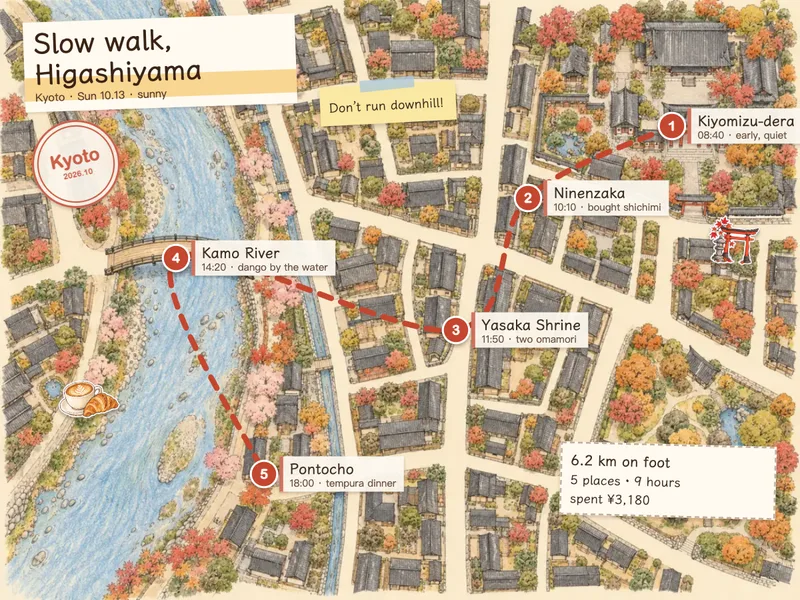
The photos from a city, a coast or a mountain walk become one book: the first photo is the scene in the middle, the others stand on the left and right pages. The title on the page can be the place and the month, the way people post their travel books.
The photo above, the book below

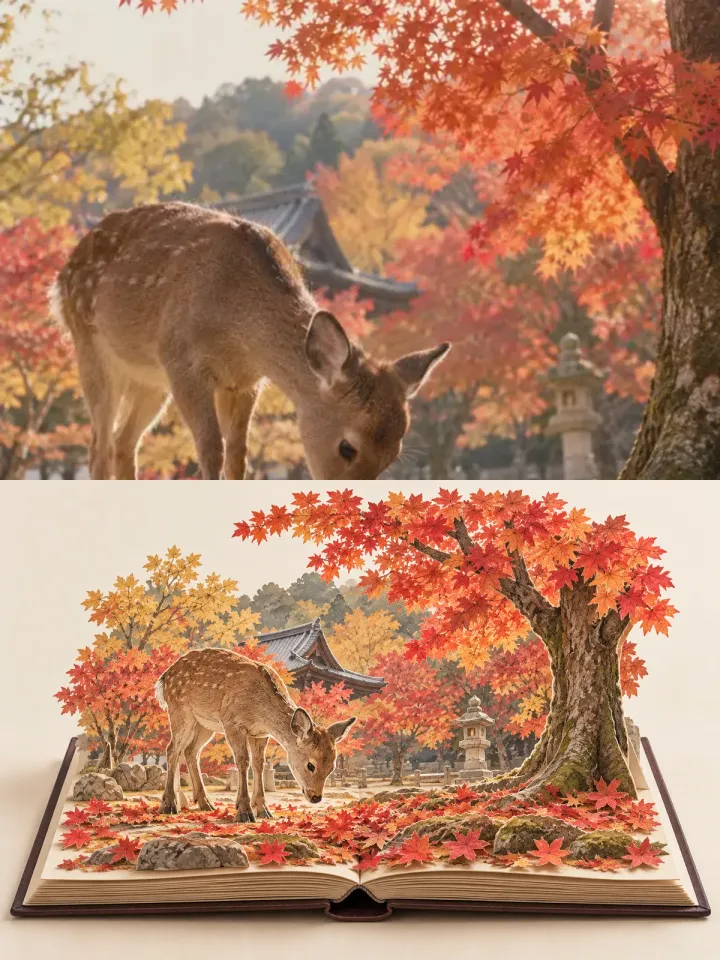
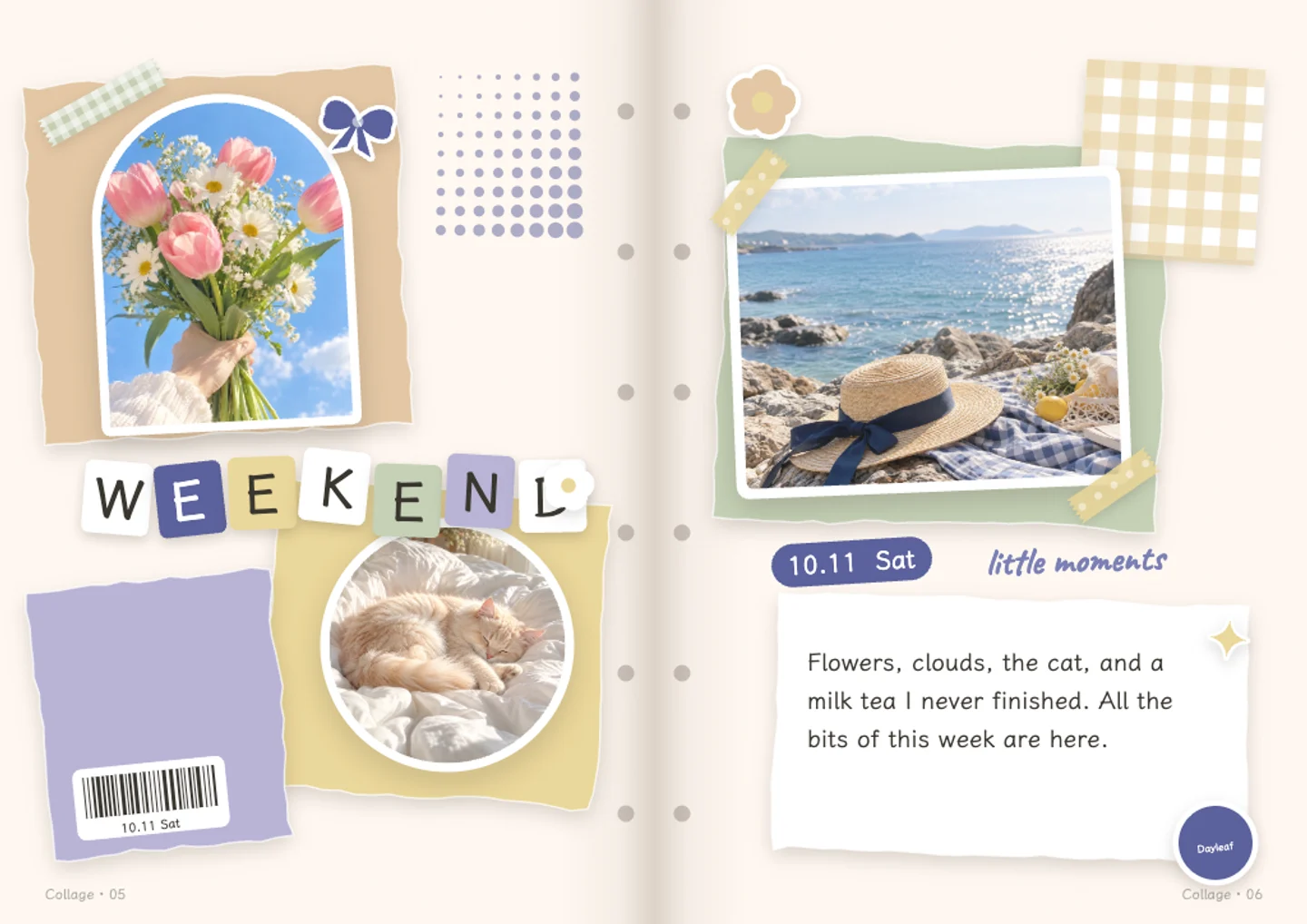
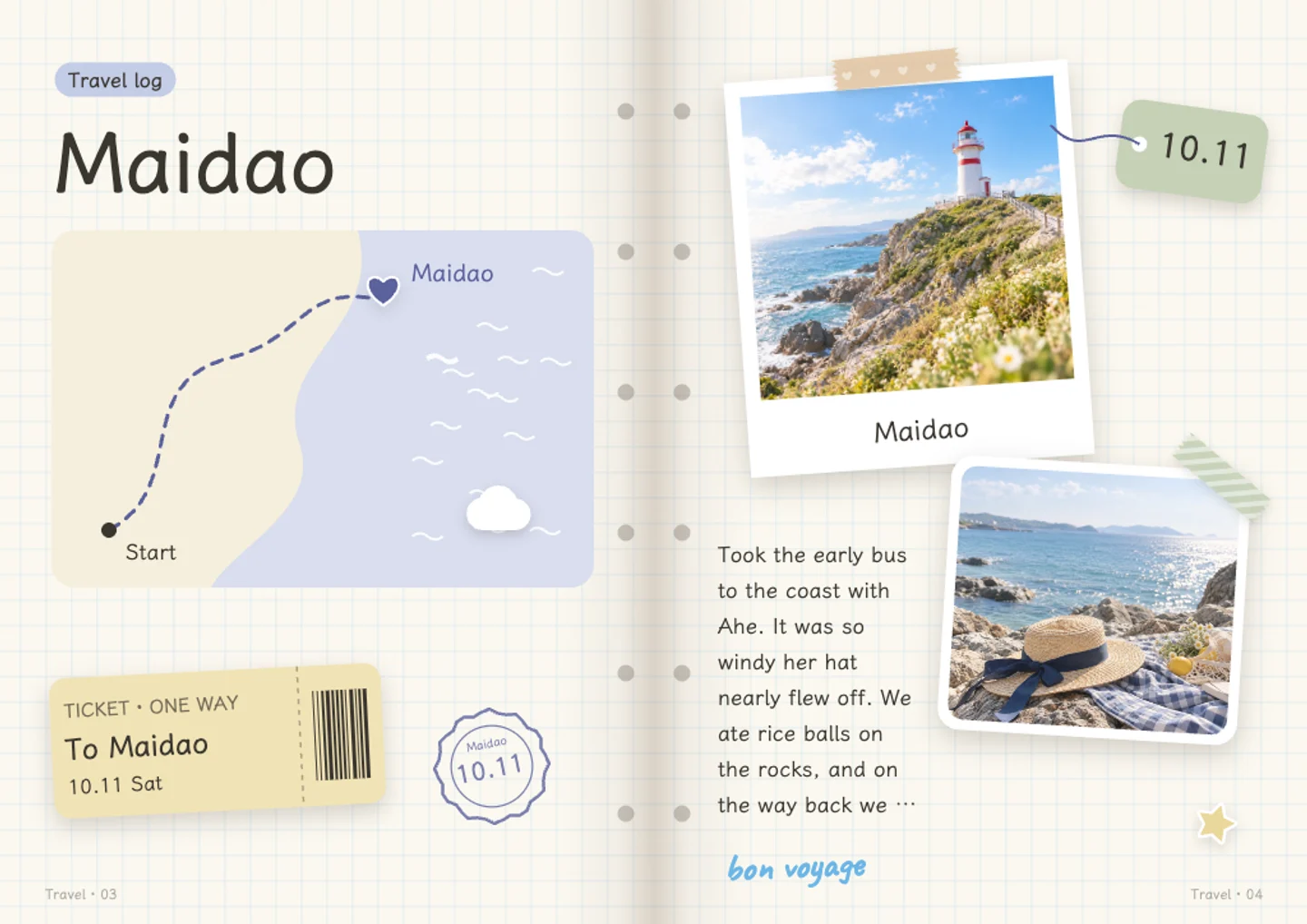
A look people share a lot: the real photo kept as it is on top, and below it the same place folded into a book on plain paper. The photo is never redrawn, so the place is exactly as you saw it.

A pet or a person as a keepsake

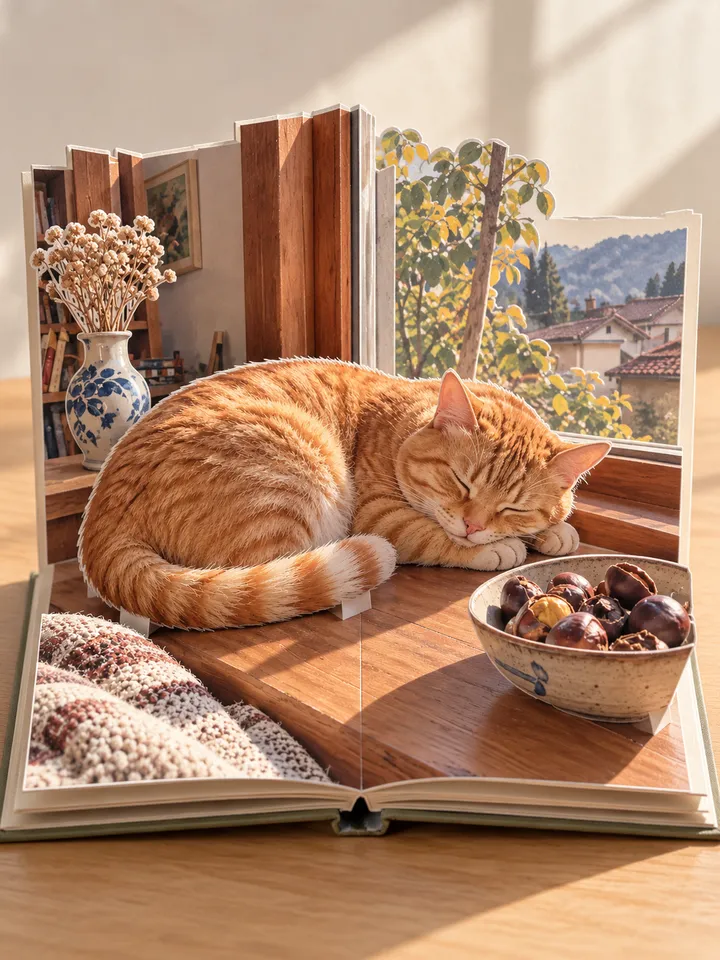
A cat on the windowsill or a friend on the beach stands at the front as a cut-out paper figure, with the place rising behind. It makes a small gift, or the cover of a year in your journal.

Questions and answers

How much does it cost?

A pop-up book is drawn by an image model and costs the credits of one picture. The credits are taken when it starts and given back if no picture comes. New accounts get 60 credits a month.

Will it look like my photo?

It keeps what is in your photos: the buildings, hills, water, people and animals and where they stand. It is a paper version of them, not a copy, so small details change. The photo-and-book look keeps your real photo untouched above the book.

Who can see my photos?

Only the image model that draws the book sees them. The picture it makes is kept as your own private sticker, which only you can see unless you share a page it is on.

Can I use it in my journal?

Yes. Put it in from the tool, or find it later among your own stickers in the journal.

What is the 3D pop-up book?

Each photo becomes a spread. The place in it is drawn as paper pieces that stand up from the pages of a book in your browser: open the cover, turn the pages, drag to look around. The book is kept on this device; you can download what you see on any page, or put it in your journal.

One picture or the 3D book?

One picture is a single image of a pop-up book, ready to post. The 3D book gives each photo its own page that you can open and turn. Each picture, or each page of the book, costs the credits of one picture.

Write your first page, free

No card needed · 60 free credits a month

Start writing, free