

Dayleaf

AI sticker maker from photo or text

Turn one photo or a short description into a sticker with a white border, saved as a transparent PNG you can use anywhere.

Little machinesWaiting for your idea

Bring something in

Bring a photo or start with an example
Where to startPick one and make it yours
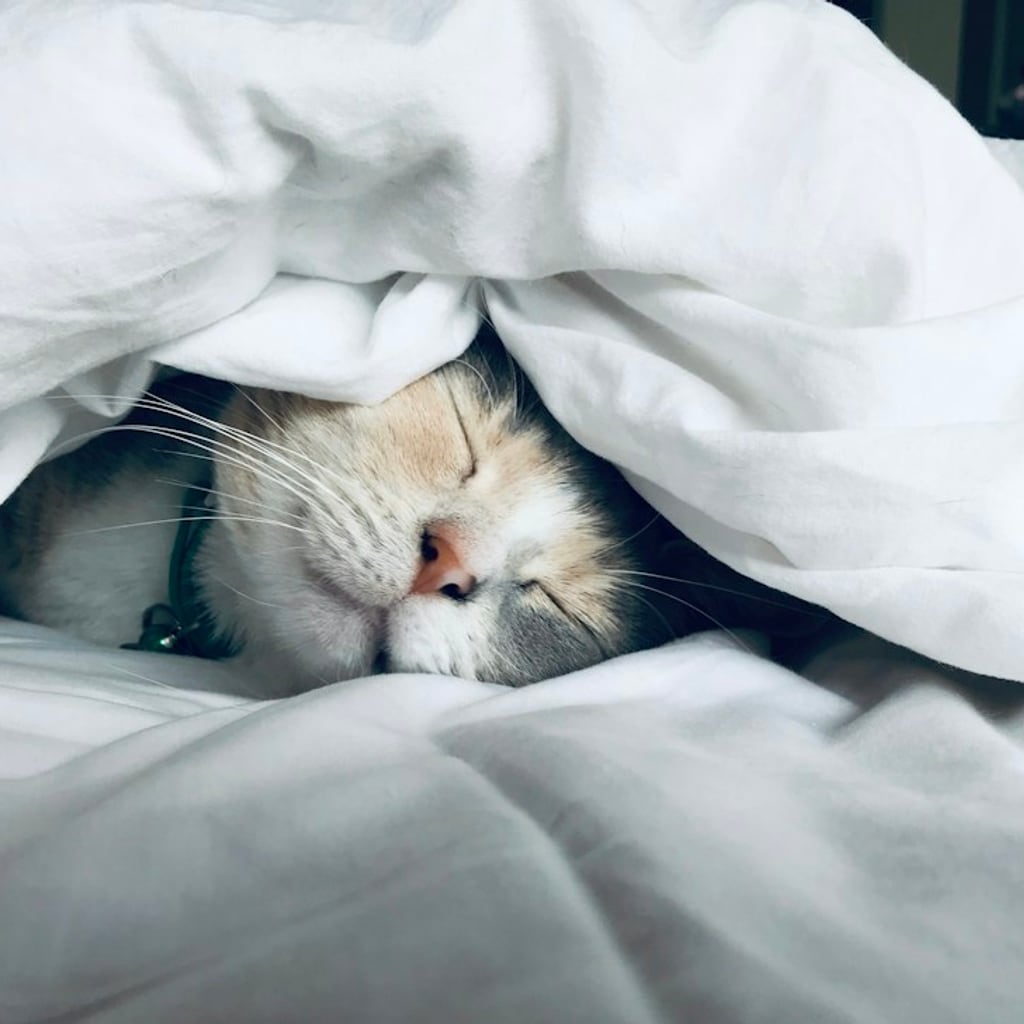
Cat photo stickerTurn a photo into a framed sticker
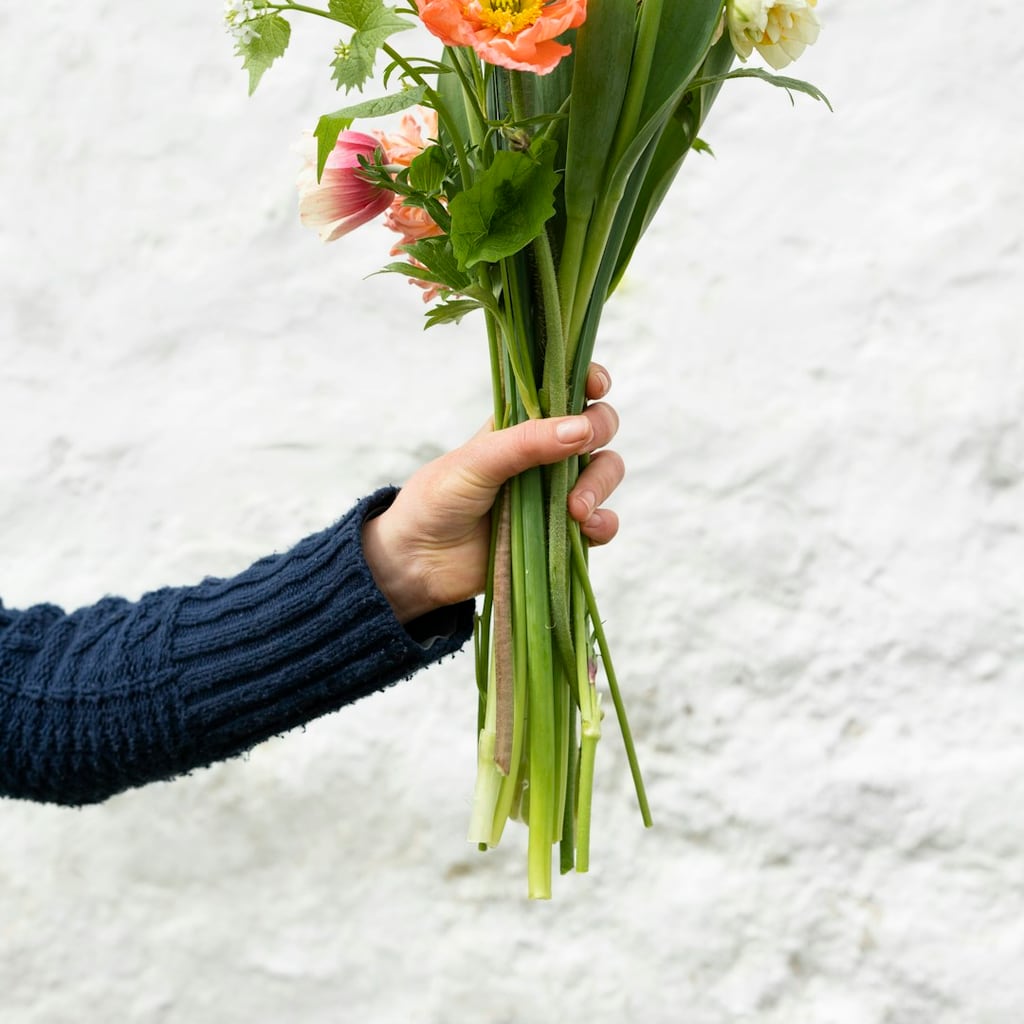
Flower photo stickerTurn a photo into a framed sticker
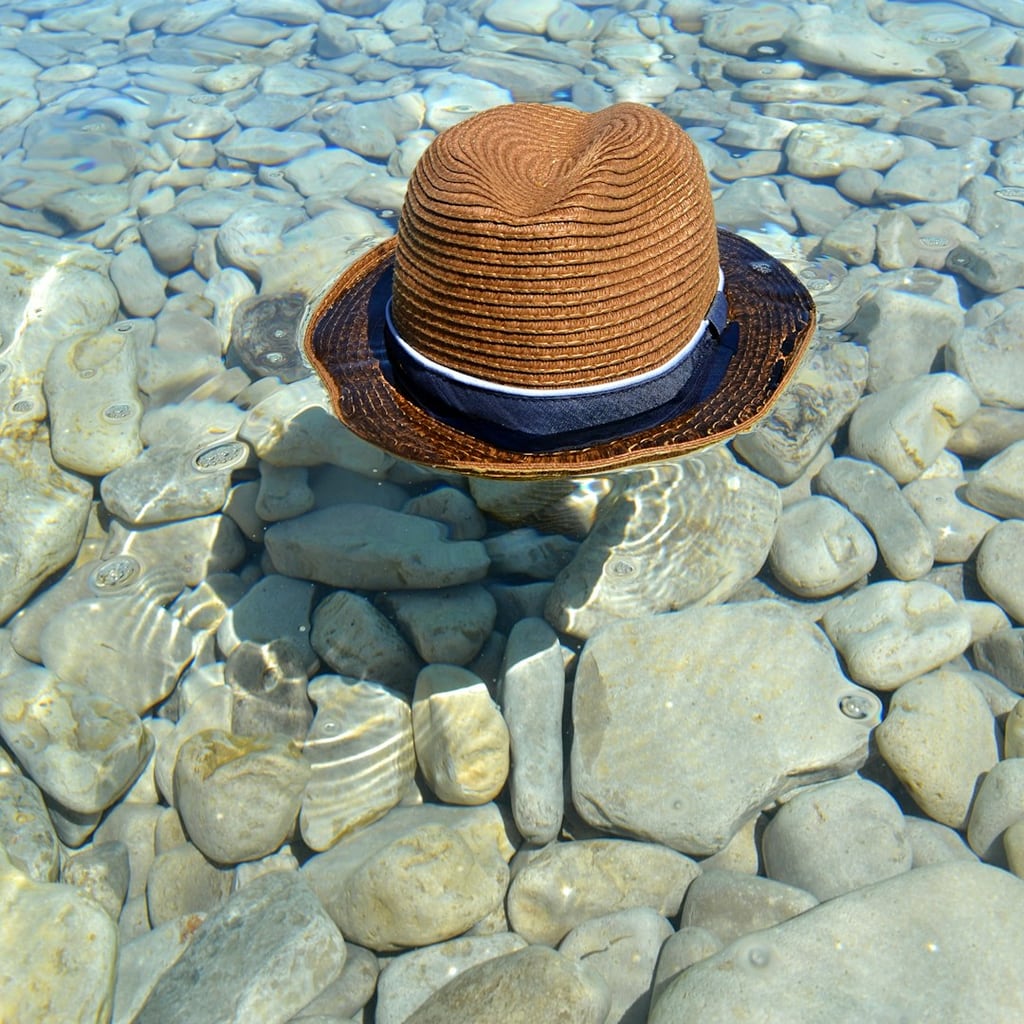
Seaside photo stickerTurn a photo into a framed sticker
Edit the details

Sticker maker

A little moment, a little keepsakeWaiting for your idea
Sticker maker
Waiting for your idea

Add a photo or describe a sticker.

Not quite? Tap to changeChoose a style and colour, then print again.
Paper style

Where it goes

Keep what you love

Once it is printed, put it in your journal, keep it or download it here.

Photos are processed locally. AI receives small copies only when you choose it; saved stickers are private to your account.

  • No account needed to make and download
  • Your photos stay private unless you share them
  • 60 free credits a month, refunded if a try fails

Try an example

How it works

  1. 1

    Add a photo or a description

    Upload one photo, or describe the sticker you want in a sentence.

  2. 2

    Print or let AI draw it

    A photo prints into a sticker frame for free. AI can redraw the photo or draw from your words with credits.

  3. 3

    Download the PNG

    Save the sticker as a PNG with transparent edges and put it on a page or anywhere else.

Sticker ideas from your own photos

Photo to sticker from one good picture

Pick a photo with a clear subject and a simple background: a cup on a table, a plant on a windowsill, a friend mid-laugh. Printed into a sticker frame, it keeps the whole picture with a paper edge around it. If you want an illustrated version instead, let AI redraw it. The PNG has transparent edges, so it sits on a scrapbook page without a white box around it.
Custom stickers for one page

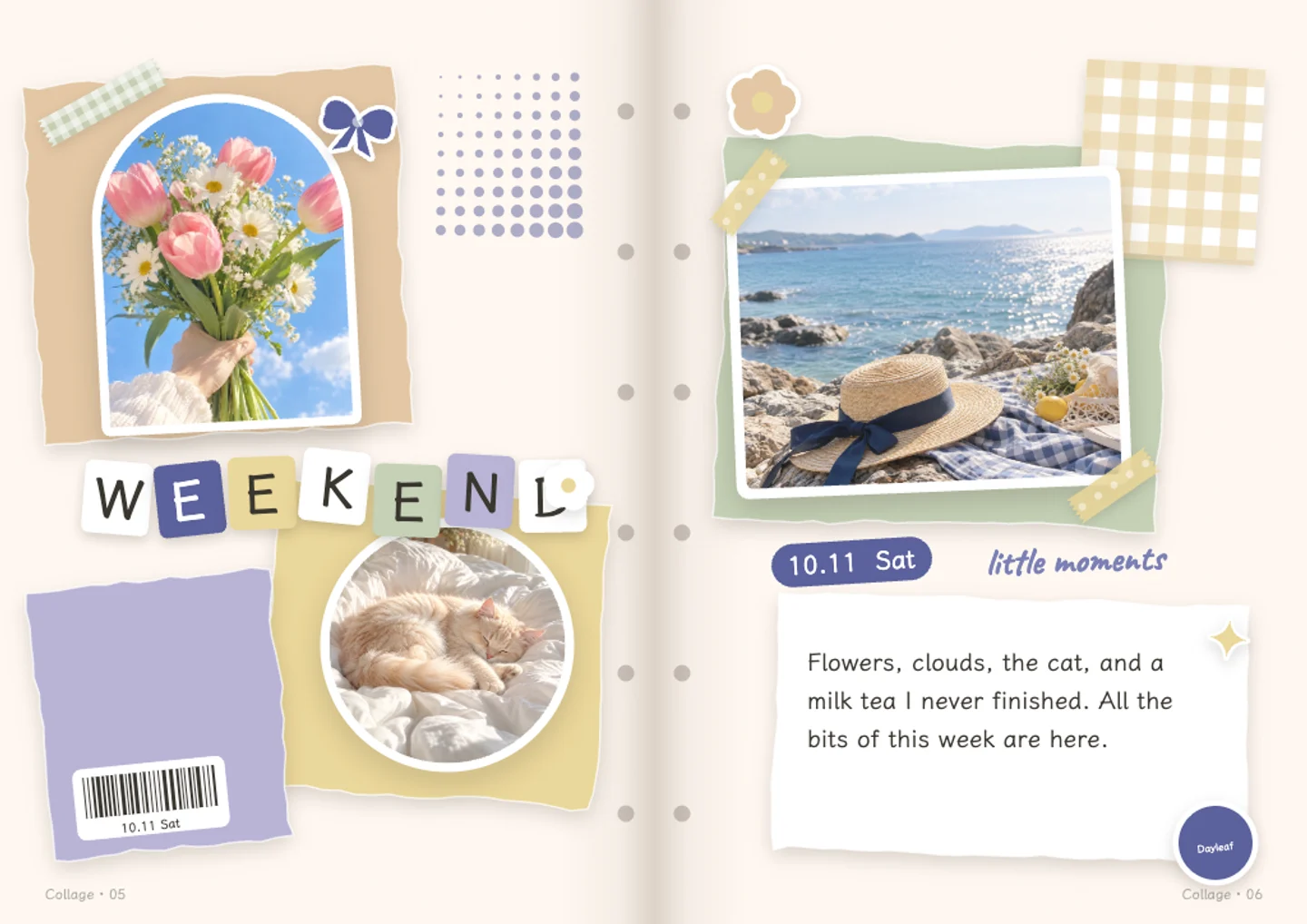
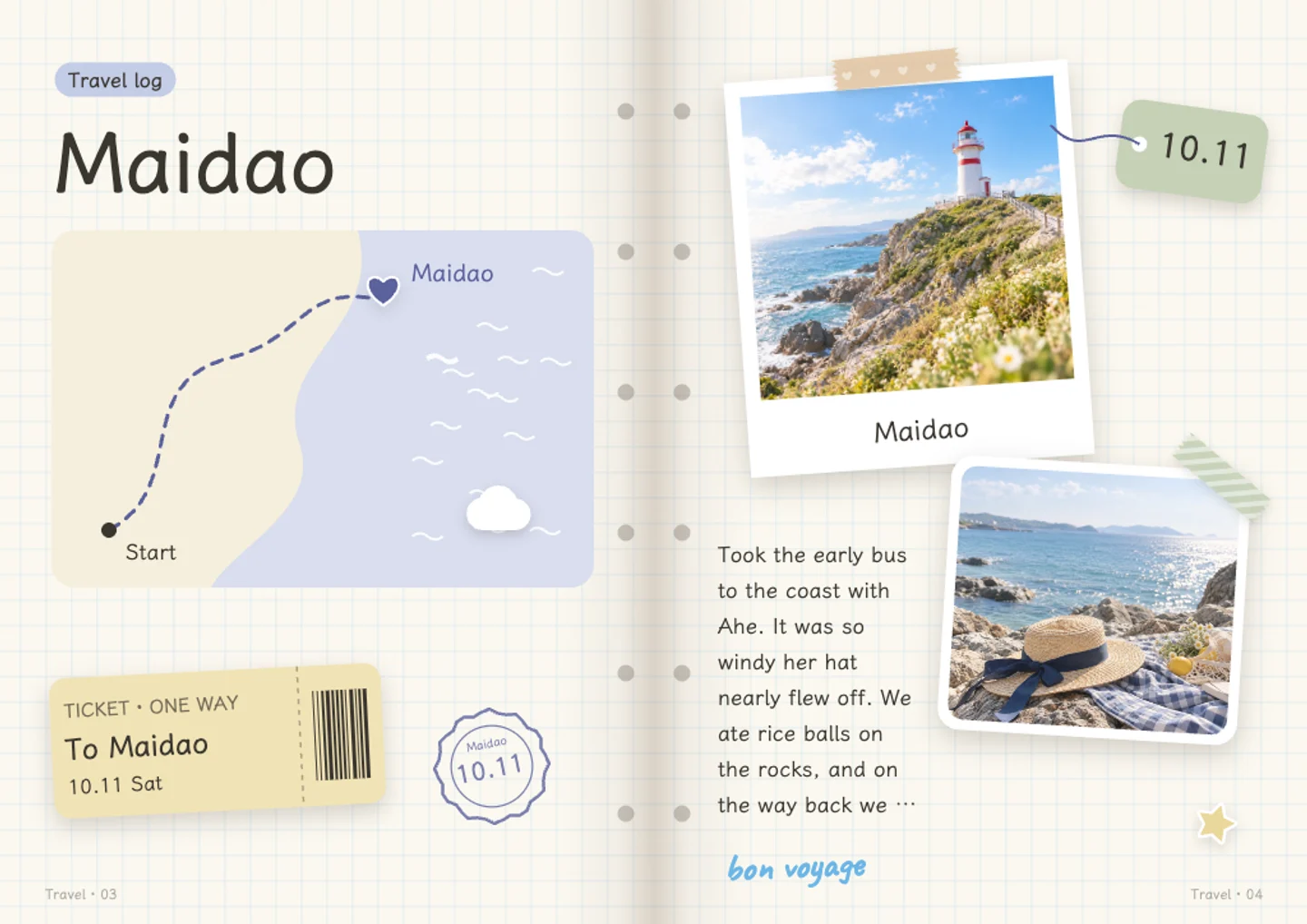
Make three or four stickers from photos that belong to the same day, and keep them to one side of the page. A sticker of the ticket, a sticker of the dessert, a sticker of the street sign. Because they share a white border, they look like a set even when the photos were taken on different phones. Download them once and reuse them across pages.

Stickers of pets, people, and small faces

Pets and faces are the most common things people turn into stickers. A tighter crop helps, because the frame keeps the middle of the photo. If a photo has two people in it, describe which one you want before asking AI to redraw it, then check the result before downloading. A sticker of a pet next to a handwritten note is a small thing that makes a page feel finished.

Stickers from things you make

A photo of something you baked, a page of your own handwriting, a plant you have kept alive for a year. These make custom stickers that no pack of bought stickers can match. Describing the thing in words is often easier than photographing it, especially for small objects, so try both and keep the version you like. The stickers are yours to download and use outside Dayleaf too.

Questions and answers

Is the sticker maker free?

Printing a photo into a sticker frame and downloading it are free. AI redraws and stickers drawn from a description use credits, with 60 free credits every month. If a generation fails, the credits are returned.

Do I need an account?

Not for photo stickers: printing and downloading work without logging in. AI-drawn stickers need a free account, since credits are tied to it.

What file do I get?

A PNG with transparent edges around the sticker shape, so it can sit on photos or pages without a visible box.

Can I use the stickers anywhere?

Yes. Once downloaded, the PNG is yours to use on scrapbook pages, in messages, or in other projects. It is a normal image file with no lock on it.

Can I make a sticker from a photo of a person?

Yes. Use a clear, close photo if you can. When more than one person is in the frame, say which one you want in the description and check the result before downloading.

What if the AI sticker looks wrong?

Try again, crop the photo closer, or describe the subject in words instead. Busy backgrounds are the most likely to need a second attempt.

Write your first page, free

No card needed · 60 free credits a month

Start writing, free