


Dayleaf

Travel map maker from photos

See where a trip actually went: a route drawn from the location data in your photos, with any missing stops added by hand.

Where to start

Or start from an example

Photo locations are read only in your browser; naming places sends small thumbnails only.

The places you went, on one pageChange an example, or bring a few photos from the trip

Look

Change any time

Moves labels and stickers off the route and lines things up. Free.

Map
Route
Lettering

Changing the look keeps your content.

  • No account needed to make and download
  • Your photos stay private unless you share them
  • 60 free credits a month, refunded if a try fails

Try an example

How it works

  1. 1

    Add your photos

    Upload photos from a trip. Locations are read from EXIF data inside your browser.

  2. 2

    Fill in the gaps

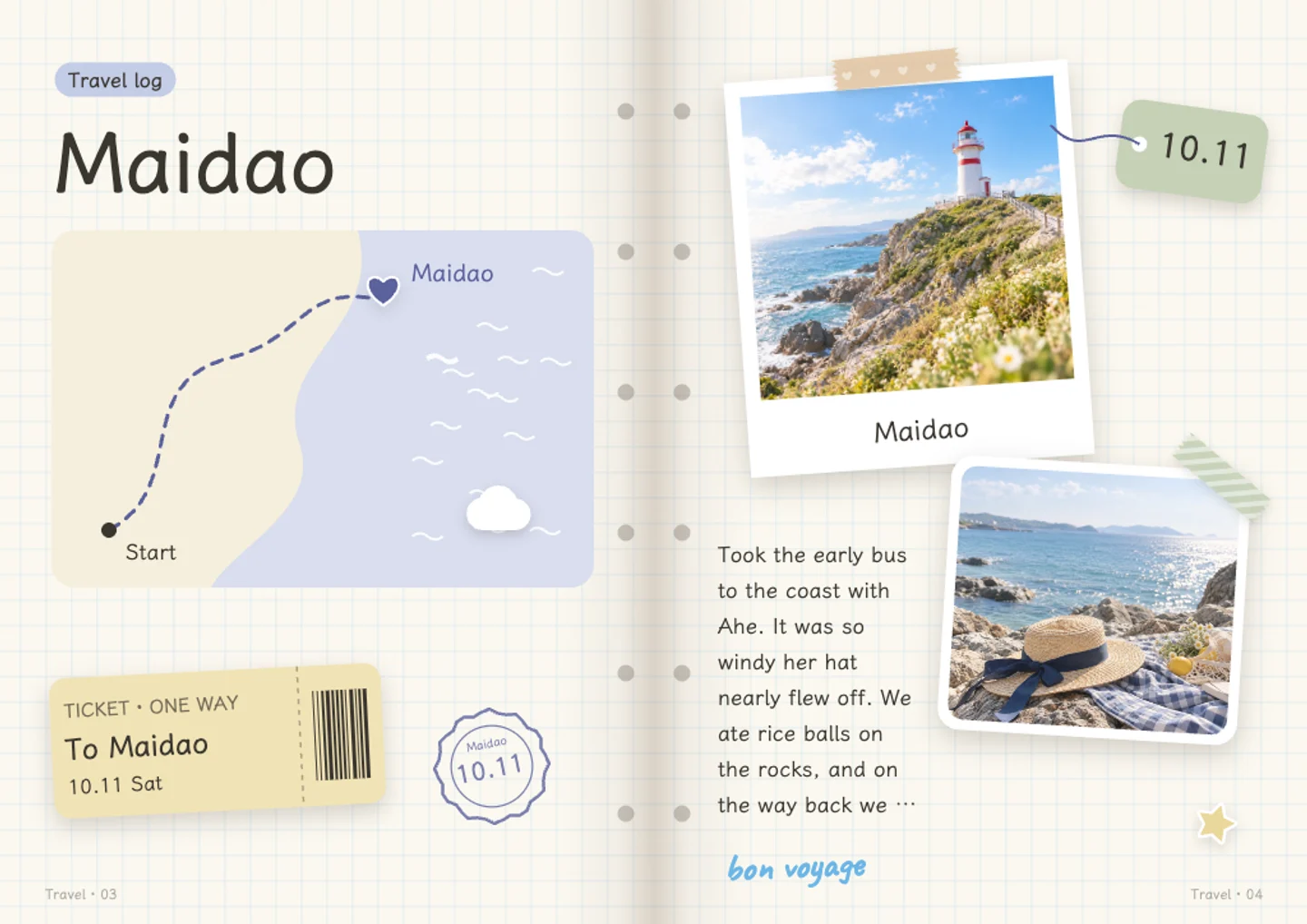
    Photos without location data can be given a place by hand. The map then becomes an illustrated route.

  3. 3

    Print the map

    Choose a style, print the route and download it as a PNG, or place it on a journal page.

Trip route map ideas

A trip route map for a road trip

Load photos from each day of a drive and the stops fill in from their location data. You can see where you stopped, where you turned around, and the stretch that took longer than expected. Print the map as a page of its own, or drop it into a travel journal next to the photos from that day.
When some photos have no location

A camera with location turned off, or a screenshot, will not place itself on the map. Those photos are not lost. Type in the place name and the map becomes an illustrated route through your stops, in the order you choose. This also works for a photo taken on a borrowed phone, or one you scanned from a printed picture. It is a sketch of the trip, not a tracked record of where you went.

A map for a walking trip

A city walked over four days creates a shape you will not forget. Photos from each stop give the route its dots, and you can add a stop by hand for the coffee place where you did not take a picture. The whole route is often smaller than it felt. Print the map and use it as the first page of a travel journal.

A trip route map as a page in a journal

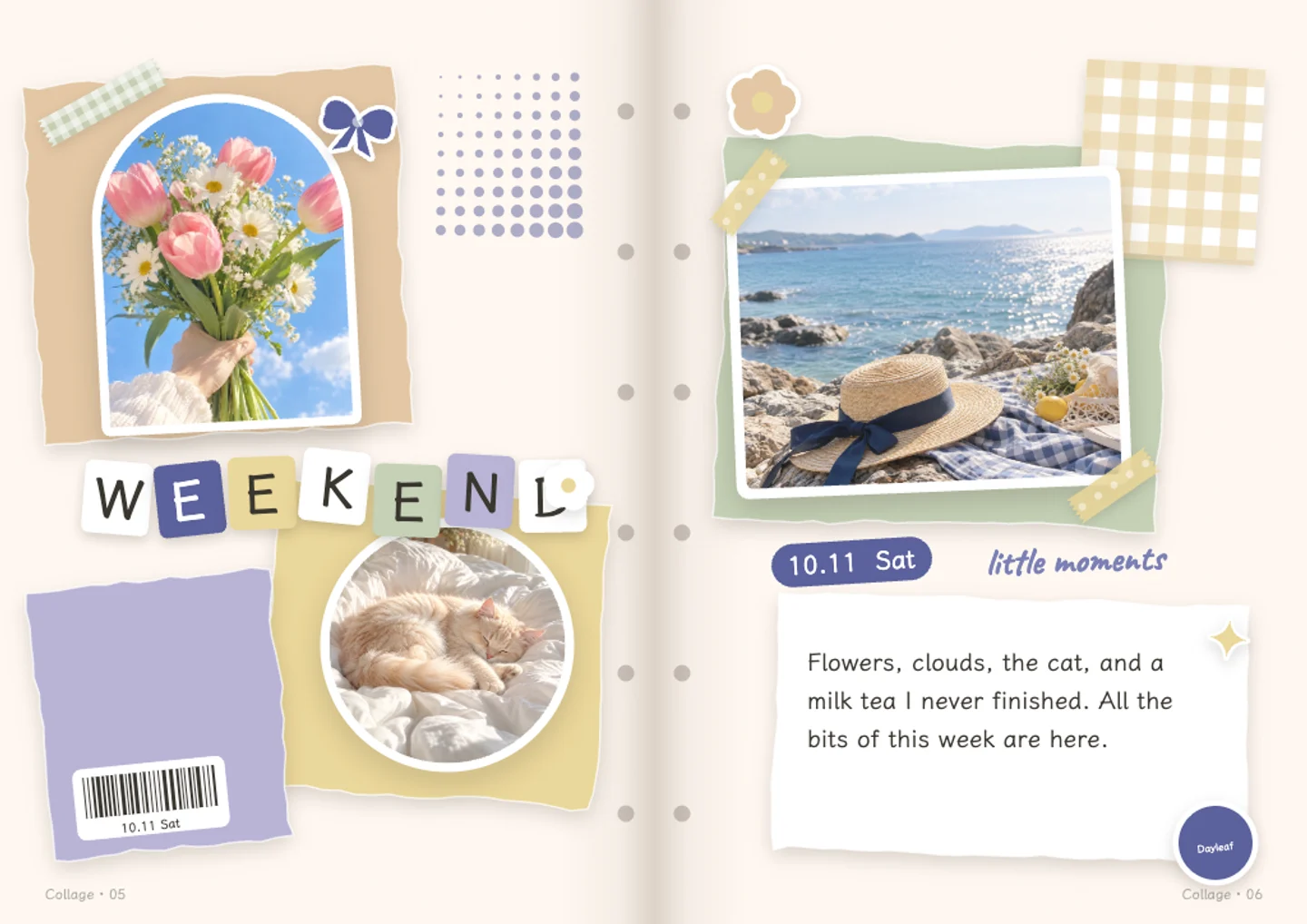
Put the map beside a photo from the same day and a line about what happened. The route gives the page its shape, and the photo gives it a face. If a day had one stop, the map will be a single dot, which is fine. Making the map does not track anything in the background, so there is nothing to switch off when the trip ends.

Questions and answers

Is the travel map free?

Reading locations, printing and downloading the map are free. Letting AI read your trip photos and suggest stops uses credits, with 60 free credits each month.

Do I need an account?

No. Adding photos, printing and downloading the PNG work without logging in. AI help and saving the map to your stickers need a free account.

What happens to my location data?

Locations are read from photo EXIF data inside your browser. Photos you print here are not published, and nothing becomes public unless you choose to share it to the community.

What if my photos have no location?

Add the place name by hand. When some stops have no location, the map is drawn as an illustrated route in the order you choose instead of on real geography.

Can I export the map?

Yes, as a PNG you can keep with the trip or place on a journal page. No account is needed to download it.

Does it track my trip?

No. The map is built from the photos you upload, and it does not follow you or record where you go. There is no background tracking to turn off.

Write your first page, free

No card needed · 60 free credits a month

Start writing, free