
Dayleaf

AI scrapbook maker for real photos

Build a page from your own photos, add a line and watercolour stickers, then download it or keep going in the editor.

Photos and a line

Your photos1–4 photos · processed in your browser
Journal style

Your scrapbook preview

Preparing your preview…

Flowers, sea air and a quiet afternoon. A few little things worth keeping.

Preparing your preview…
Continue in editor

Automatic book layout uses AI credits in the editor. The free account plan includes 60 credits per month.

  • No account needed to make and download
  • Your photos stay private unless you share them
  • 60 free credits a month, refunded if a try fails

Try an example

How it works

  1. 1

    Add a few photos

    Drop in up to four photos and write one line, or leave it to the sample.

  2. 2

    Pick a style

    Collage, love or travel: the page redraws as you choose.

  3. 3

    Download or keep going

    Download the page as a PNG, or continue in the editor to build a whole scrapbook.

Scrapbook ideas worth trying

A scrapbook from photos of one weekend

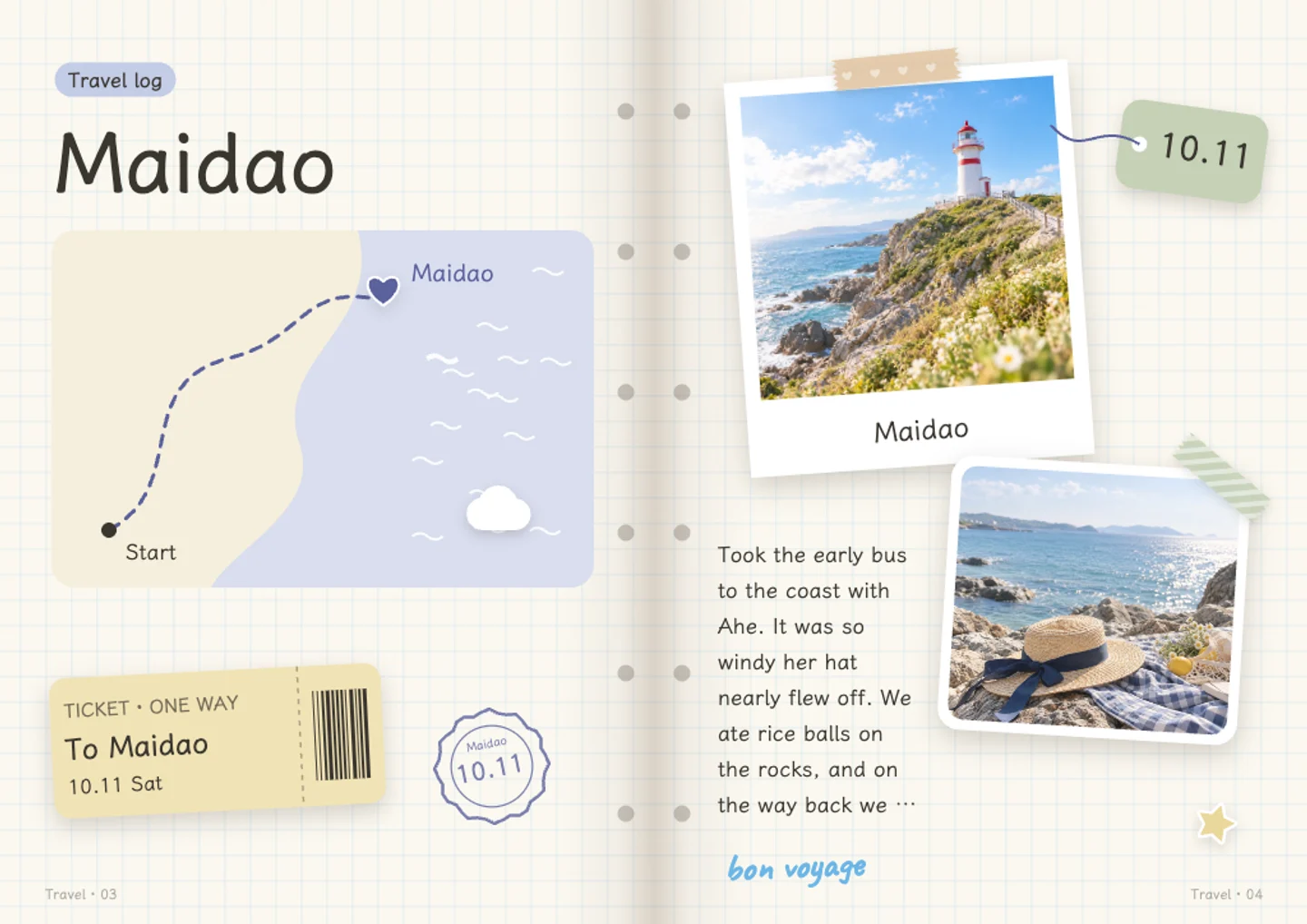
Pick ten photos from a single trip or a long weekend and keep them on two or three pages. Add a line about where you went, what you ate, and who was there. Watercolour stickers fill the gaps between photos without covering them. This works well when you have a lot of pictures and no idea where to start, because a short trip already has a beginning and an end. Export the pages as images and the whole thing takes an evening.
A digital scrapbook for the school year

Collect photos from the first day, sports day, a class play, and the last day. One page per month keeps it readable. Handwritten-style fonts suit captions that a child actually said, and watercolour stickers work better than clip art for small decorations. If you are making this for someone else, keep the photos private until the pages are finished, then share the link. Fifteen pages go further than you think when each one holds four or five photos.

A photo collage page as a gift

Choose eight or nine photos of one person and arrange them around a single sentence you want them to read first. Keep the background plain so the photos carry the page. Add a sticker in a corner instead of the middle. Save the page, export it as a PNG, and print it at home or send the file. A digital scrapbook does not have to stay digital, and one finished page is often a better gift than a whole book nobody has time to read.

Small everyday pages

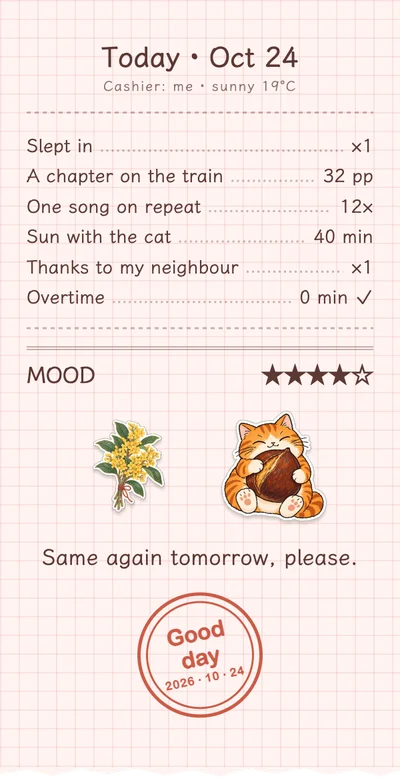
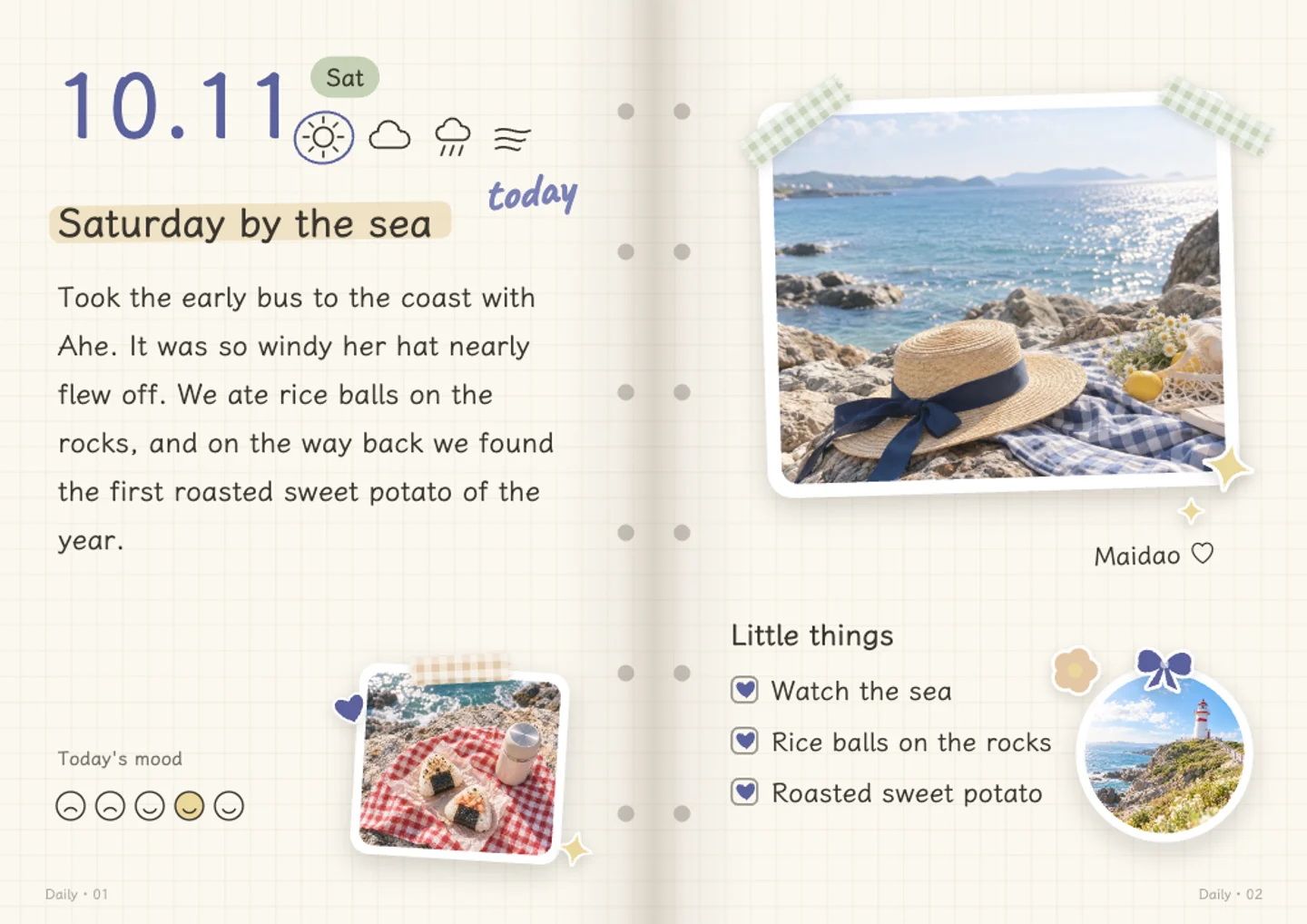
Not every scrapbook needs a big occasion. A page can hold one photo of the walk you take on Sundays, a note about what the weather was like, and a sticker or two. Doing this weekly for a month gives you four pages that say more than a holiday album. Because manual editing and saving are free, there is no cost to keeping a short page you might delete later. Start with a template, then change the layout once you know what you want.

Questions and answers

Is Dayleaf free to use?

Manual editing, saving, and sharing are free. AI features such as photo grouping, layout suggestions, text drafts, and sticker generation use credits, and you get 60 free credits every month. If an AI step fails, the credits go back to your account.

Do I need an account to make a scrapbook?

You can use the page generator and download a PNG without logging in. A free account lets you save your work and come back to it later.

Are my photos private?

Yes. Photos are private by default and only become public if you choose to share a page to the community. Nothing is posted on your behalf.

Can I edit a page after saving it?

Yes. Saved scrapbooks stay in your account and you can go back in anytime to move photos, rewrite captions, change fonts, or swap stickers. Nothing locks after export either, so you can make another version.

Can I export my scrapbook?

You can export finished pages as images or as a video. The generator also lets you download a PNG preview without an account, which is handy for a quick test before you commit to a full page.

How is this different from a paper scrapbook?

It is the same idea without the glue. You get watercolour stickers and handwritten fonts on screen, and pages do not run out of space or get damaged. Printing is optional, so you can keep a book private or turn one page into a gift.

Write your first page, free

No card needed · 60 free credits a month

Start writing, free