


Dayleaf

Photo journal maker with daily writing prompts

One photo and a short note each day, with a prompt you can swap if it does not fit your day.

Photos and a line

Today’s prompt

What small thing made you stop today?

Your photos1–3 photos · processed in your browser
Layout

Your photo journal preview

Preparing your preview…

A little sea air, a good coffee, and time to notice the small things.

Preparing your preview…
Continue in editor

Automatic book layout uses AI credits in the editor. The free account plan includes 60 credits per month.

  • No account needed to make and download
  • Your photos stay private unless you share them
  • 60 free credits a month, refunded if a try fails

Try an example

How it works

  1. 1

    Pick a prompt

    Use today’s prompt, or swap it until one fits your day.

  2. 2

    Add a photo and a few lines

    One to three photos and a short note. Choose a daily or weekly page.

  3. 3

    Download or keep going

    Download the page as a PNG, or continue in the editor and save it to your journal.

Photo journal ideas to borrow

A photo diary for one month

Take one photo a day for thirty days and write two or three lines under each. The prompt can be simple, like what you ate for lunch or what the light looked like at five in the afternoon. By the end you have a month that reads like a diary instead of a camera roll. Export it as a video, or keep adding pages, since the free plan holds fifteen pages per book.
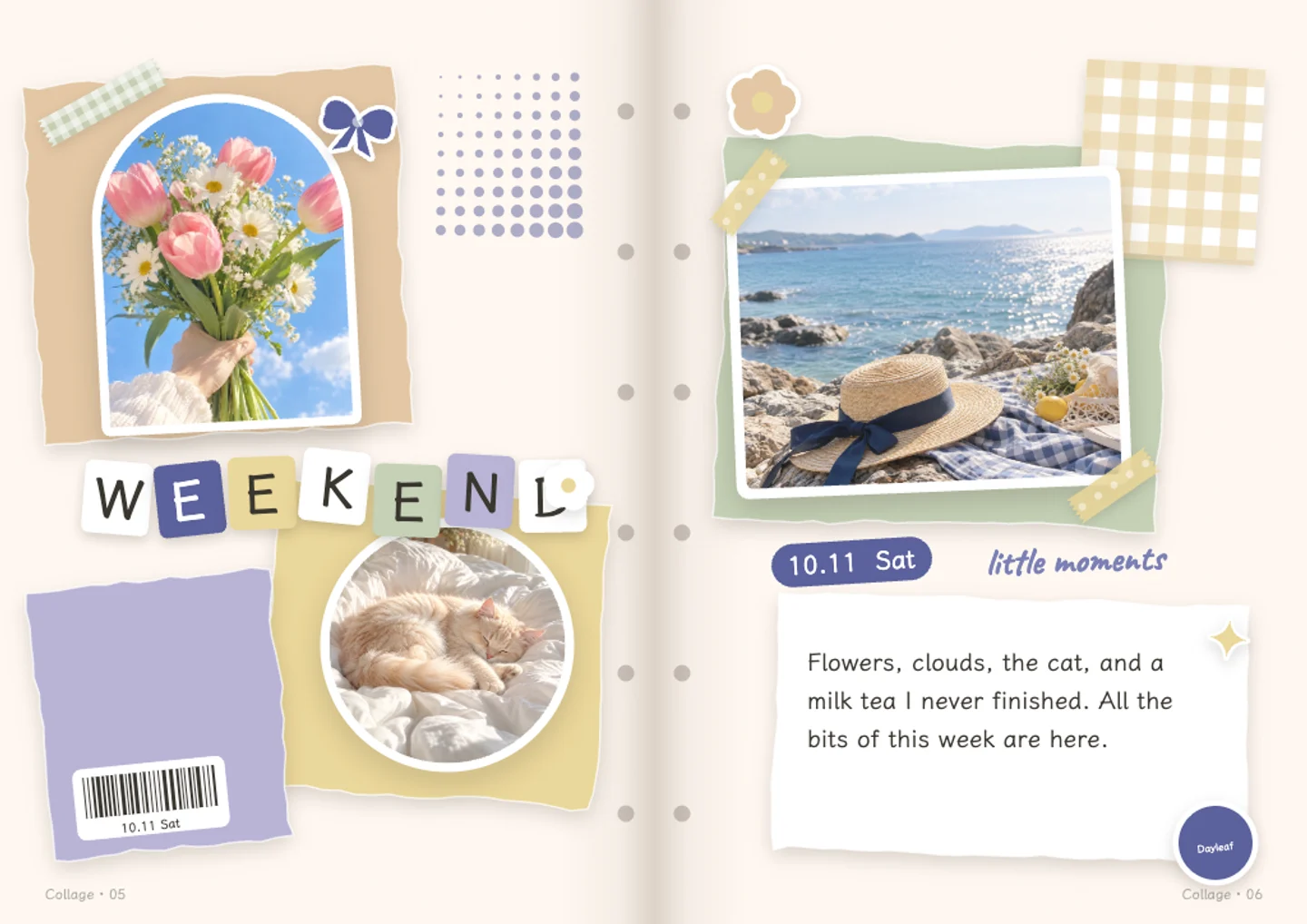
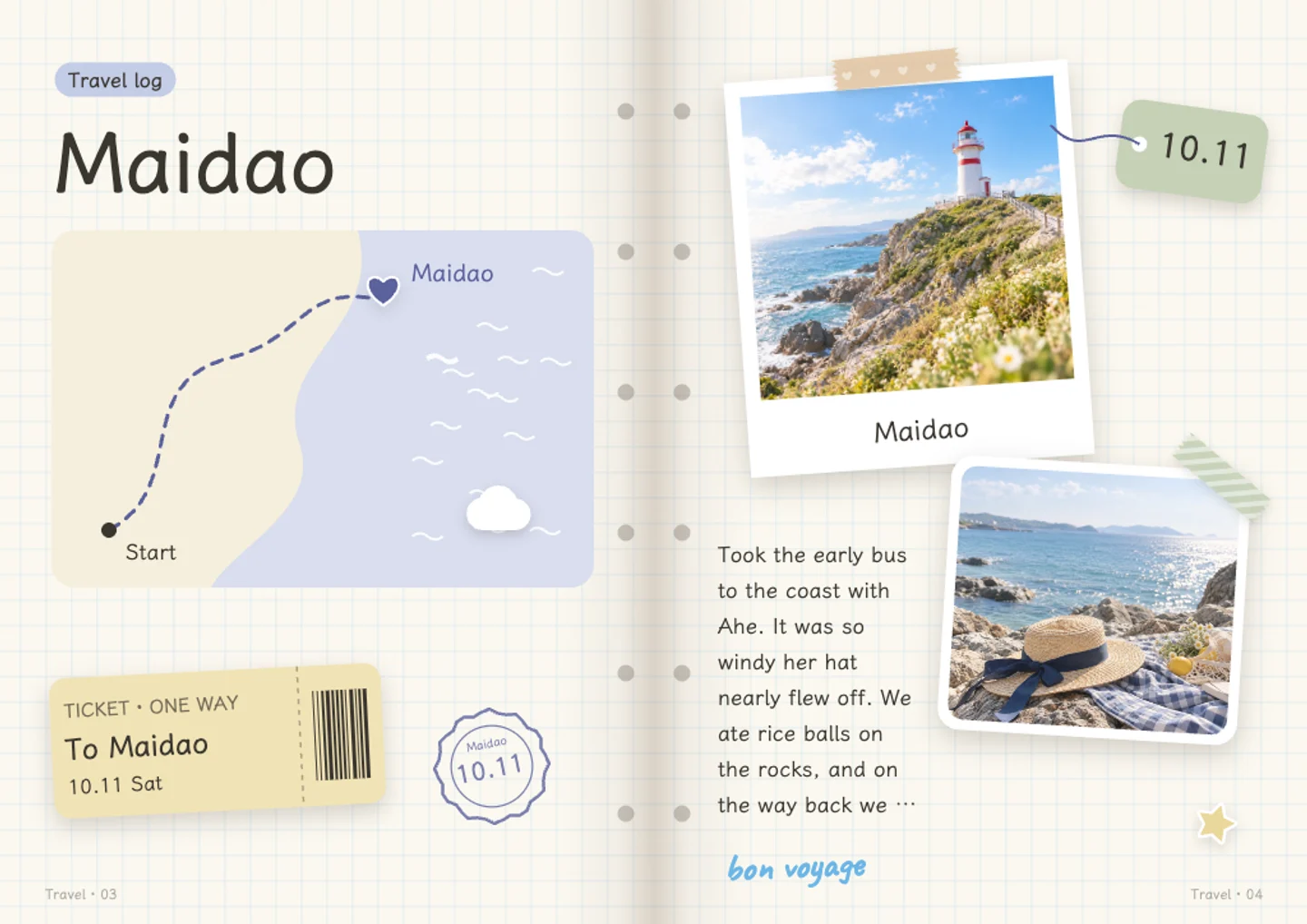
Photo journal ideas for ordinary weeks

Some weeks do not have a story. A photo of the bus stop, a half-written list, the mug you always use. Write one line about why you noticed it. These are the pages that end up meaning more later, because nothing else recorded them. If a prompt does not fit, swap it for another one and keep going. Small entries are easier to keep up with than long ones.

A photo journal for a child

One photo of the same corner of the garden works better than a posed portrait. Add what the child said that day, in their own words, and leave the rest of the page alone. Handwritten-style fonts suit this kind of page, and a watercolour sticker in the corner is enough decoration. Save the pages privately and share a link with family later, or print a few pages for a birthday.

A photo journal for a move or a big change

Photograph the rooms before the boxes arrive, then again when they are empty. Keep the small things: the key, the receipt from the hardware shop, the note left on the fridge. A photo diary page with three photos and a paragraph will say more than a video walkthrough. Give yourself a week after moving to write it, when the details are still easy to remember.

Questions and answers

Is the photo journal free?

Manual editing, saving, and sharing are free. AI features such as layout suggestions and text drafts use credits, with 60 free credits every month. If an AI step fails, the credits return to your account.

Do I need an account to start?

You can use the page generator and download a PNG without logging in. A free account lets you save your work and come back to it later.

Are my entries private?

Yes. Entries are private by default and only become public if you choose to share a page to the community. You can keep a whole journal to yourself.

Do I have to write every day?

No. The daily prompt is there when you want it, and you can skip days or write several pages at once.

Can I export my photo journal?

Yes, as images page by page or as a video for the whole journal. You can also download a PNG preview without an account to check how a page looks.

How is this different from a notes app?

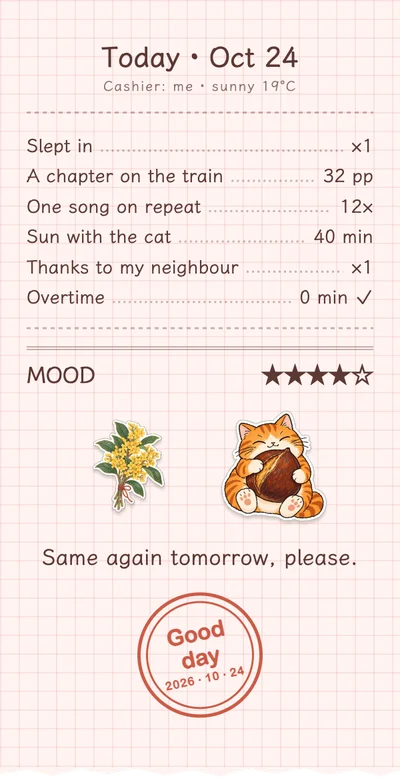
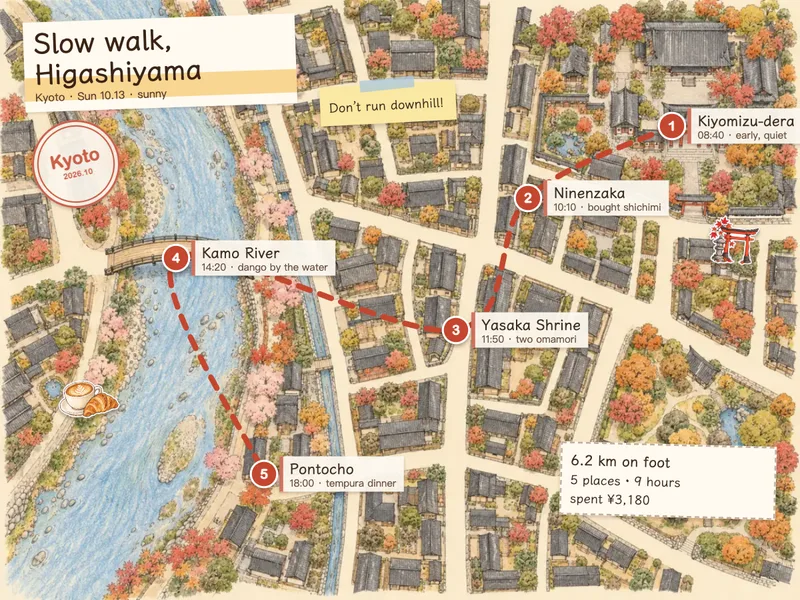
A notes app holds text. Here each entry is a page with a photo, a short note, and room for a sticker or a handwritten-style caption, so a month of entries looks like something you want to reread.

Write your first page, free

No card needed · 60 free credits a month

Start writing, free